
25 modules. One record. Every organization.
Every module below reads and writes to the same patient chart - so nothing gets re-entered, and nothing falls out of sync between the front desk and the clinician.
AI Assistant
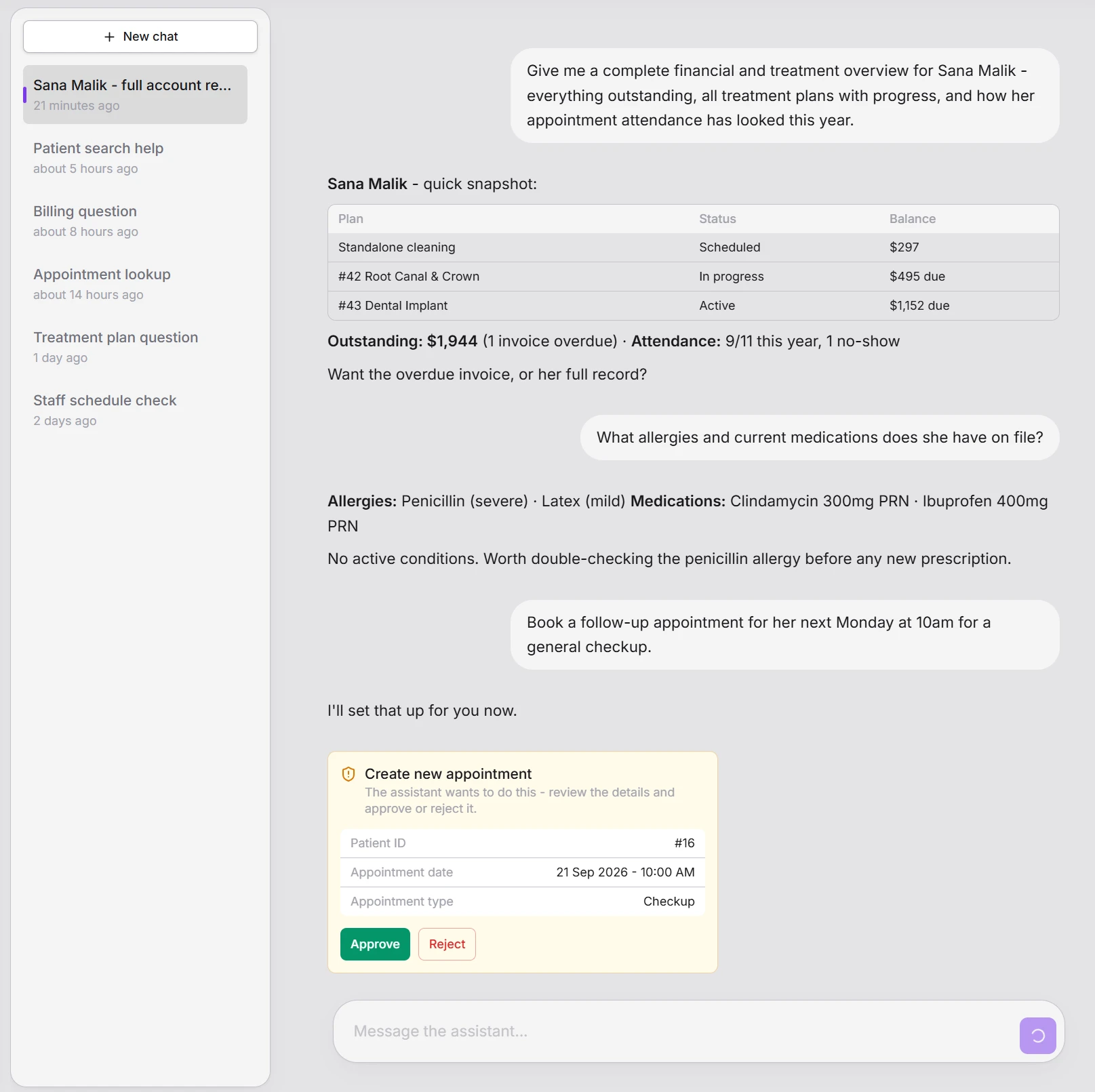
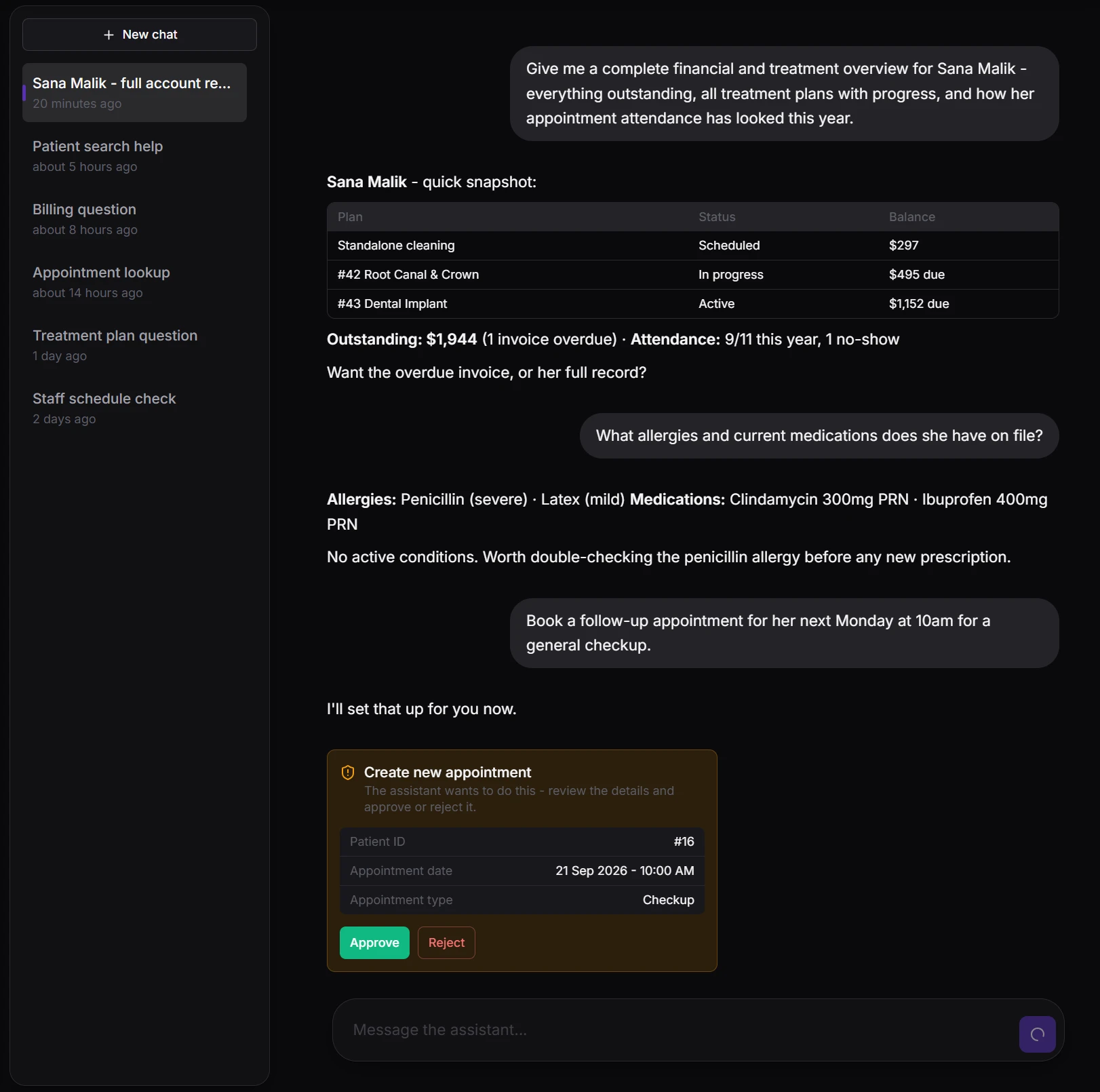
A conversational assistant built into the console, with scoped, permission-checked access to your practice's own data - patients, appointments, treatments, prescriptions, billing, and more. It reads instantly and answers with real numbers, tables, and clinical detail pulled live from your own records - never a guess. Anything that would change a record pauses for a staff member to review and approve first, exactly like every other write in Meddesk.
- Answers pulled live from your own data - patients, appointments, treatments, billing
- Every write pauses for a staff member's explicit approval before anything changes
- Permission-checked on every call - never sees or does more than that staff member could
- Structured answers: real tables, date pickers, and choice pills - not just plain text
Nothing is ever deleted by the assistant - no delete capability exists, full stop.
Appointments & Clinical Desk
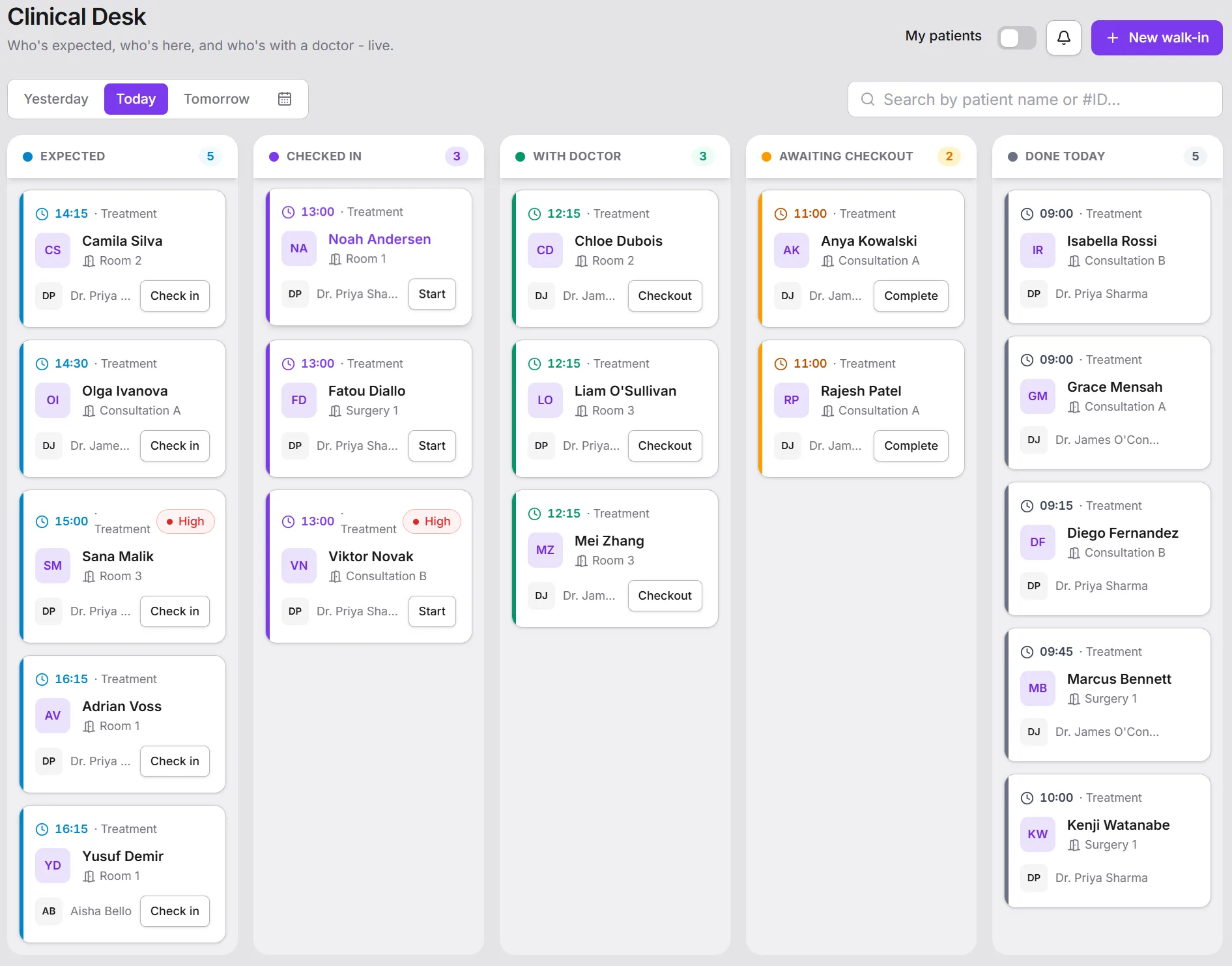
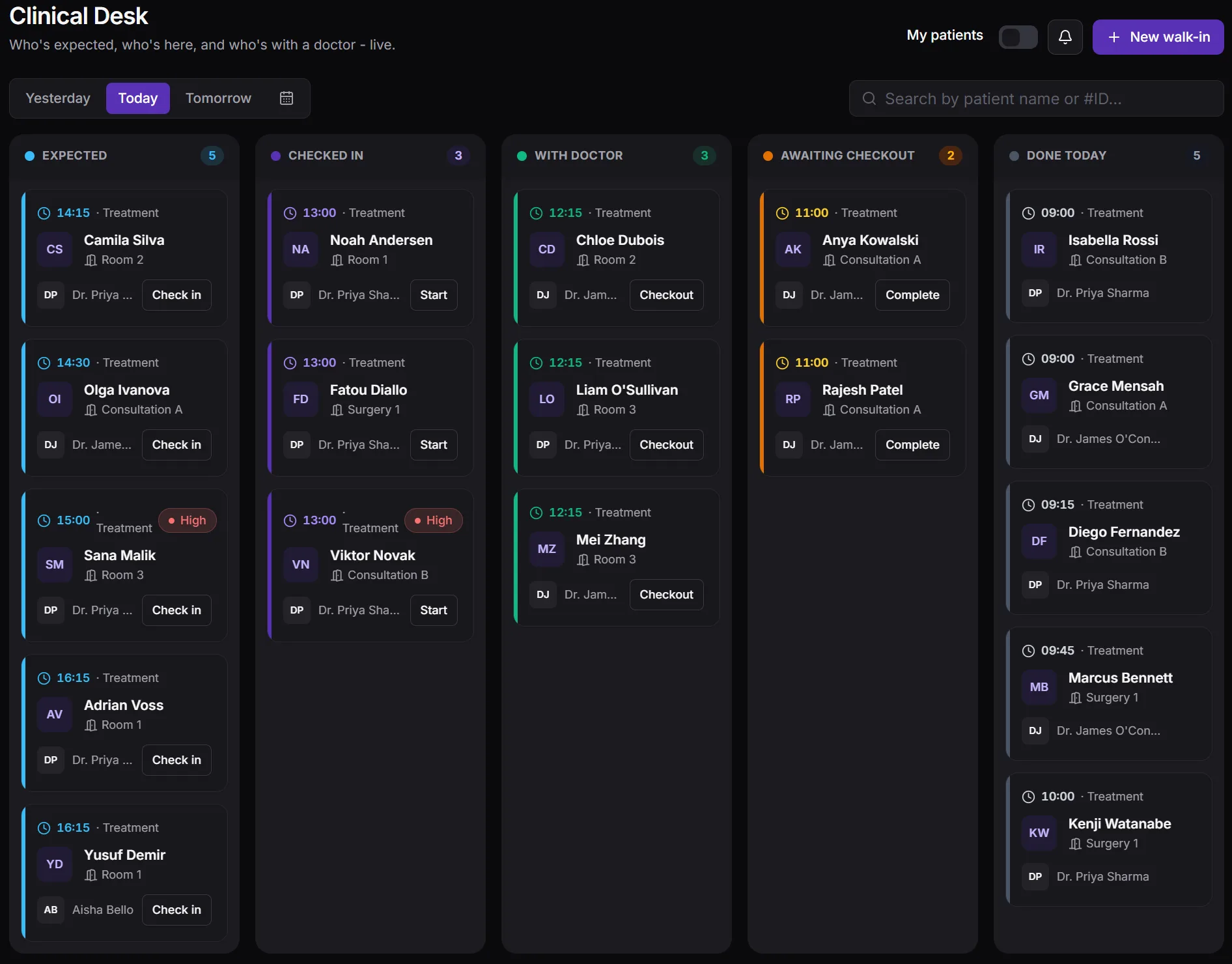
Book, reschedule, and manage appointment types with their own pricing - consultation, treatment, follow-up, emergency. The Clinical Desk turns that schedule into a live, real-time queue board for the front desk and clinical staff, with an audible chime when a patient checks in and a warning when a staff member already has a conflicting appointment.
- Calendar and list views with configurable appointment types and pricing
- Real-time Clinical Desk queue board for front desk and clinical staff
- A heads-up when a staff member already has a conflicting appointment
- Audible check-in chime so the desk never misses an arrival
Patient Recalls
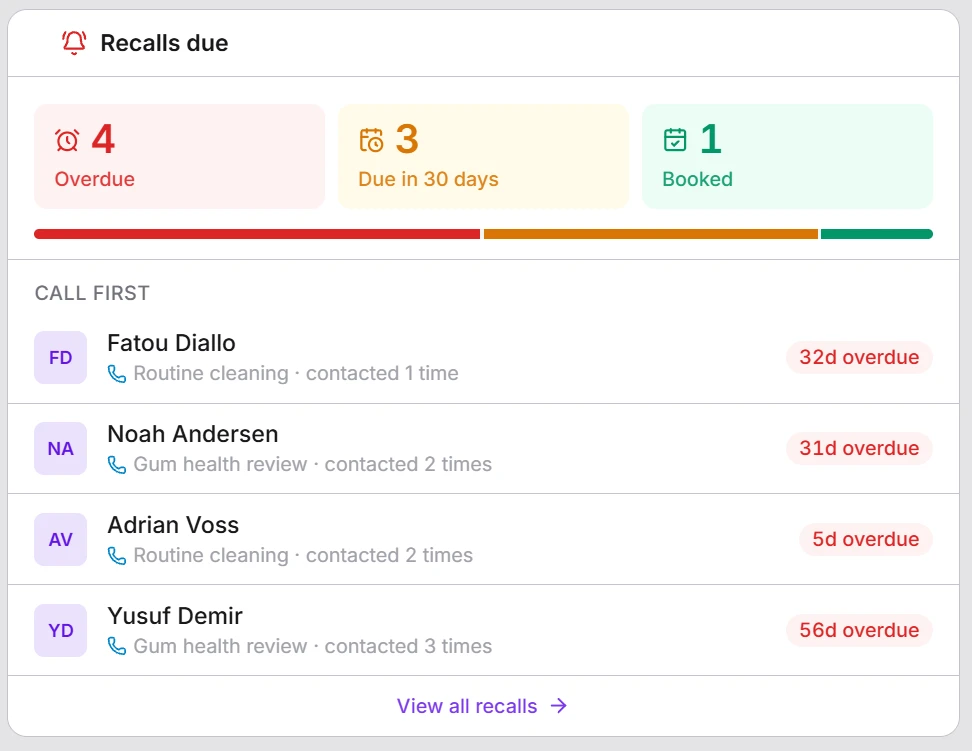
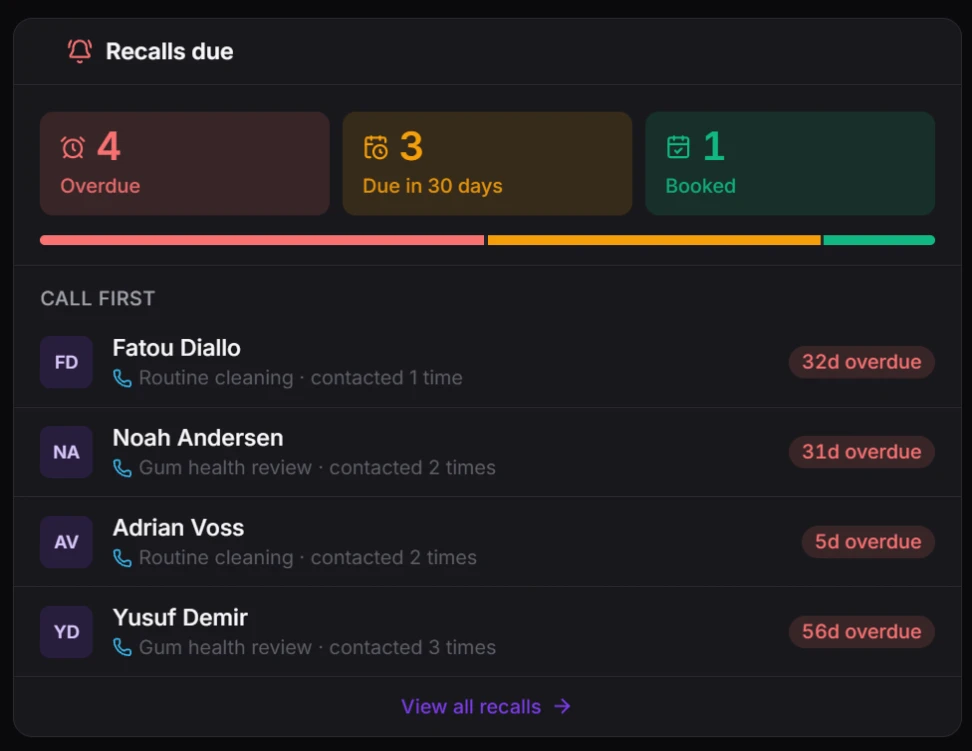
Most practices lose repeat visits for one reason: nobody remembered to call. Meddesk schedules the next visit the moment a treatment is completed - a 6-month check-up after a cleaning, a review a year after a procedure, a top-up a few months after an injectable - and keeps one worklist of who is overdue, who is due this month and who has already booked. Send a reminder by email or WhatsApp in one click, note the call, and the recall closes by itself when the patient books and comes in.
- Set once per treatment: when the patient is due back and why
- Overdue, due soon and booked at a glance, with who to call first
- One-click reminders by email or WhatsApp, in the patient's language
- Closes itself when the patient books and is seen - no chasing paperwork
A ready-made report shows, month by month, how many recalled patients actually came back.
Patient Records & Patient 360
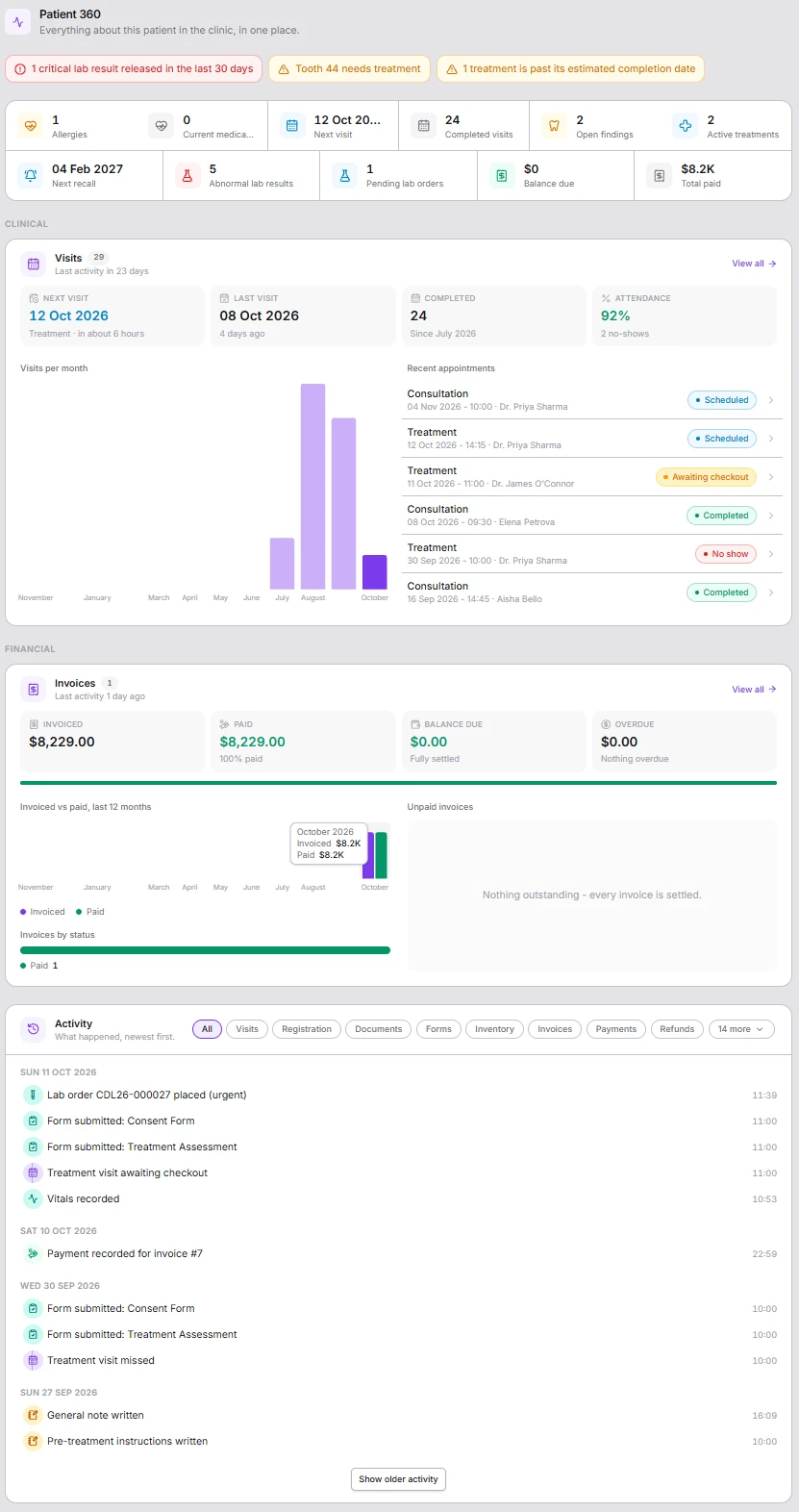
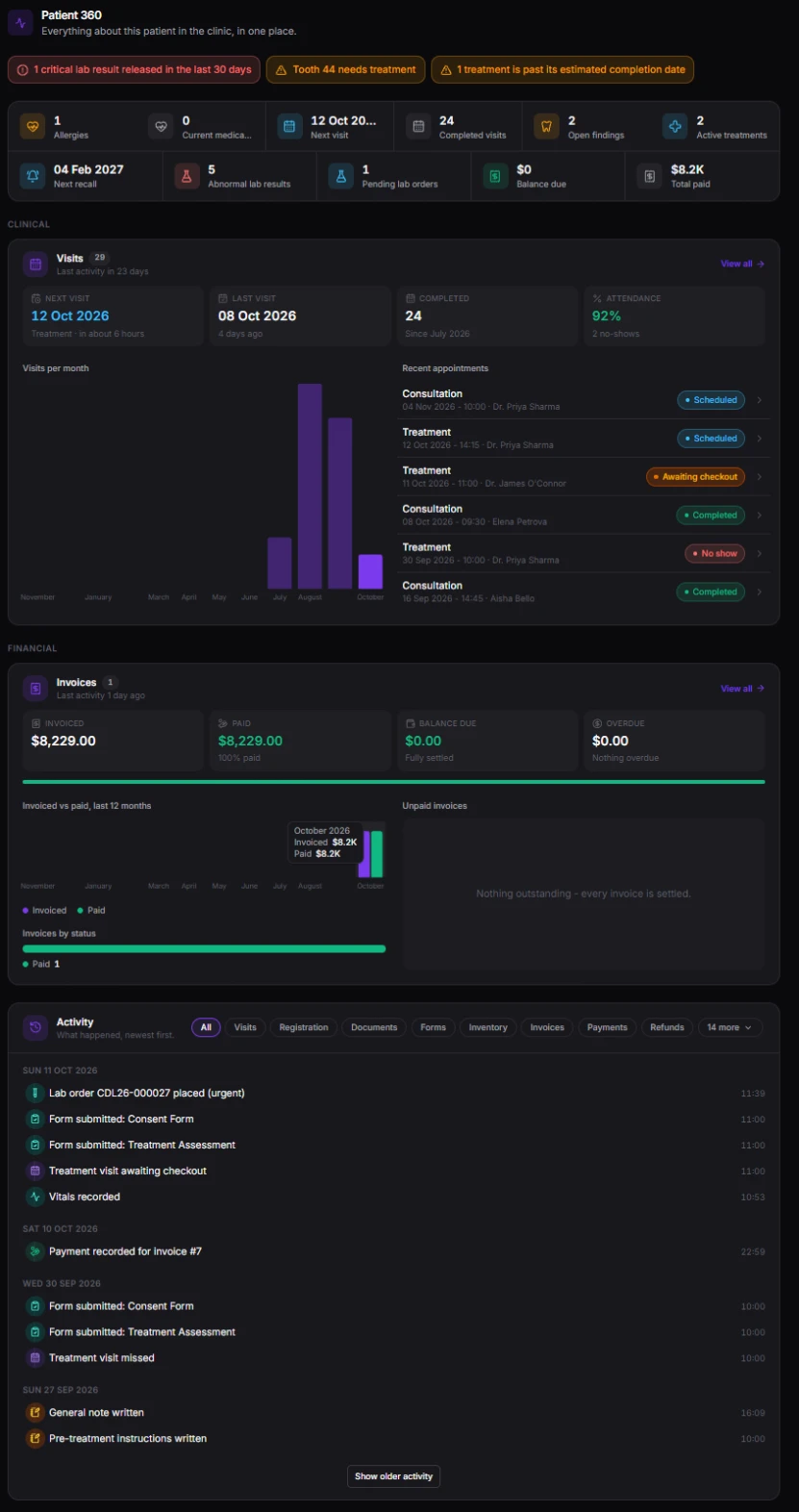
Every patient has one record, and its Overview is a Patient 360 - everything about that patient in the clinic, on one page, from the moment they walk in.
What needs attention, first
Severe allergies, a critical lab result, a tooth waiting for treatment or an overdue balance - alerts sit at the top so nothing important is scrolled past.
Key figures at a glance
Allergies, current medications, next visit, completed visits, open findings, next recall, pending lab orders and balance due - read in seconds.
A summary from every module you use
Visits with attendance and no-shows, invoices with what's paid and what's owed, lab results and treatments - each with a link to the full list.
One timeline of everything that happened
Visits, forms, lab orders, payments, documents and notes, newest first, filtered to just what you are looking for.
A medical history that's structured, not buried
Typed allergies - drug, food, environmental, contact - with severity and reaction, plus current medications, complications, conditions, surgeries and family history.
Every note in one place
Notes written on any visit, treatment or plan read together on the patient's record, filtered by where they were written.
Find anyone in a keystroke
Press Ctrl K to jump to any patient, invoice, lab order or page without leaving what you're doing.
Every section respects the viewer's permissions - restricted records show only a count.
Treatments & Treatment Plans
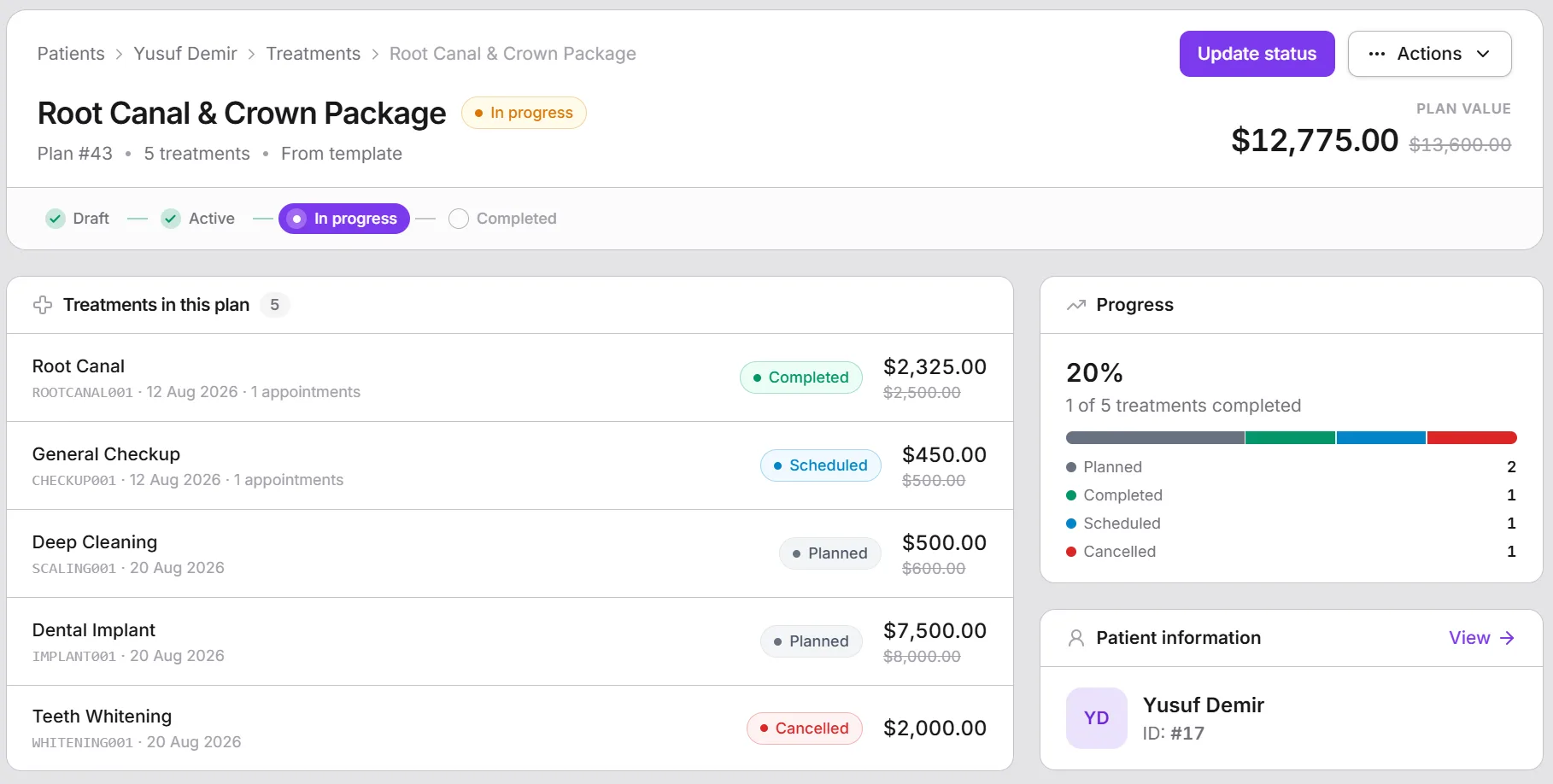
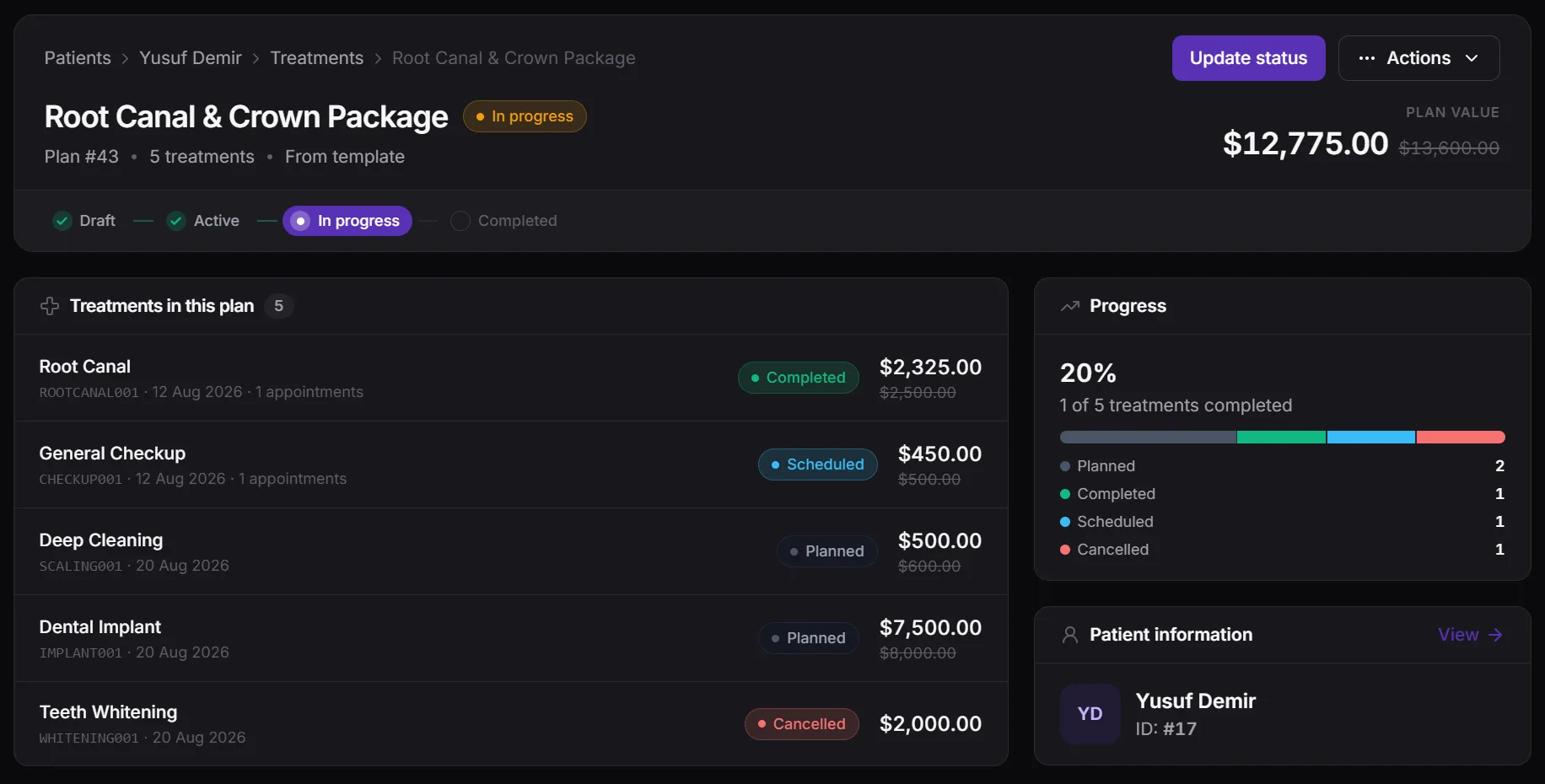
Maintain a catalog of treatments by category, with pricing, duration, anesthesia flags, contraindications, and pre- and post-appointment instructions. Build templated treatment plans once and apply them to any patient, then track progress against the plan visit by visit. Statuses keep themselves up to date: booking the visit schedules its treatments, starting it puts them in progress, and a plan completes itself once every treatment in it is done.
- Treatment catalog with pricing, duration, and category
- Contraindication and anesthesia flags surfaced before a procedure
- Templated treatment plans applied and tracked per patient
- Statuses that follow the visit - no one updates them by hand
- Pre-appointment instructions sent with the patient's reminder
Prescriptions
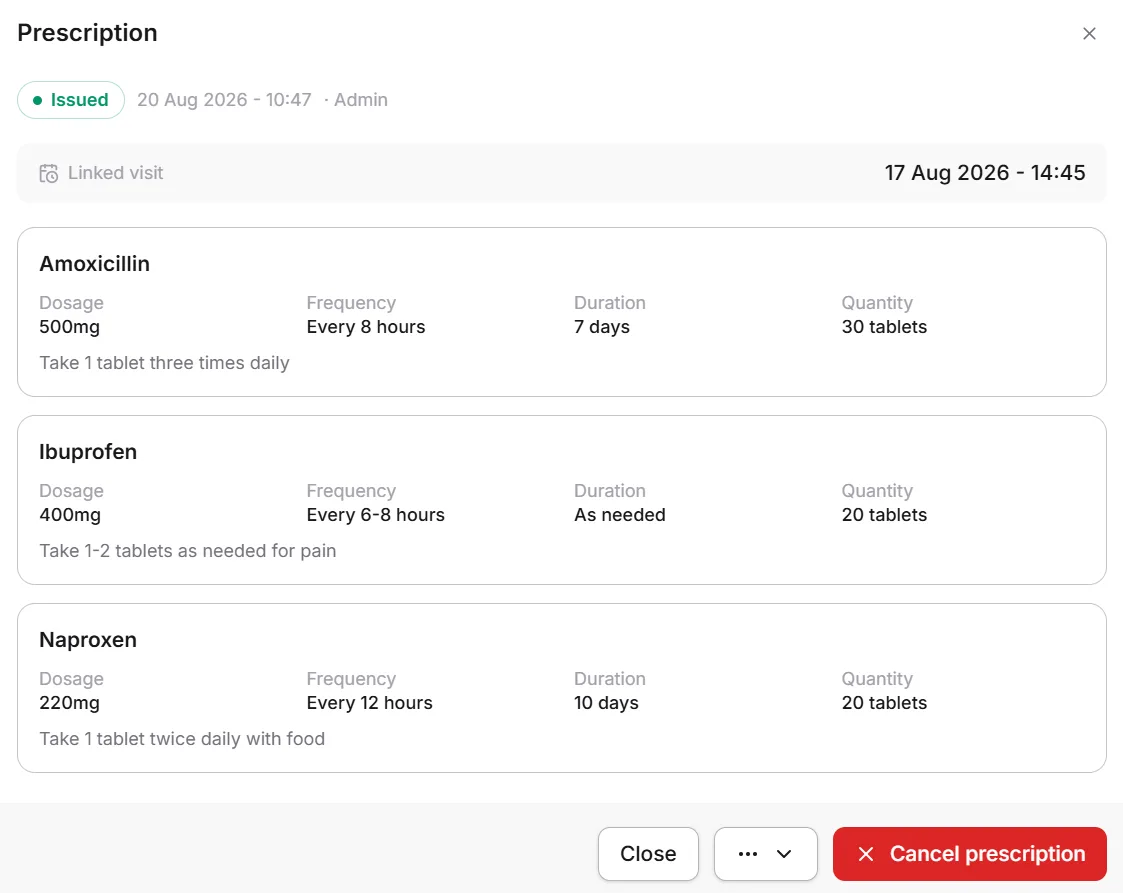
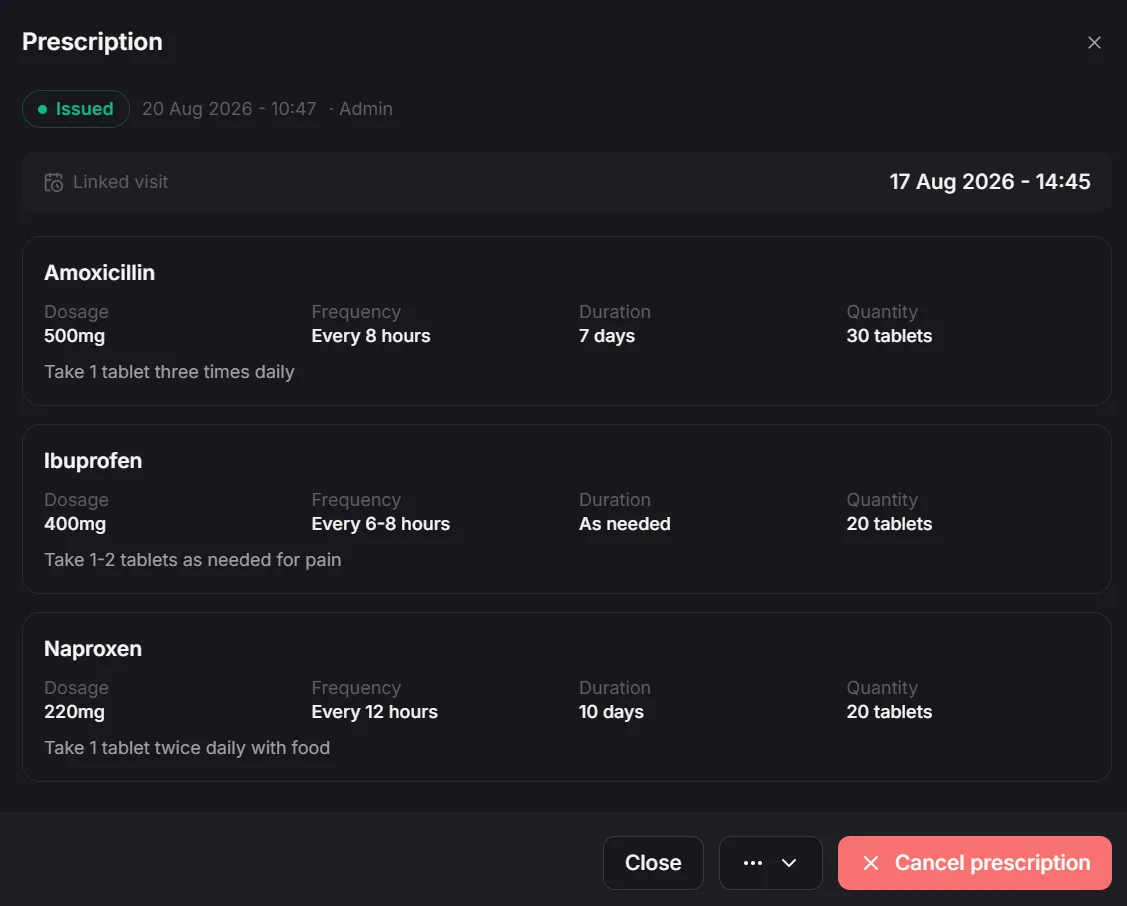
Prescribe from a curated medications list your clinic keeps, with dosage, frequency, duration, quantity and instructions for every medication, linked to the visit it was written in. Prescriptions are part of the medical record - never deleted, only cancelled - print cleanly for the pharmacy, and appear in the patient's own portal.
- Pick from your medications list, or add a custom medication
- Dosage, frequency, duration, quantity and instructions on every item
- Linked to the visit, printable for the pharmacy
- Shown to patients in their portal - cancelled, never deleted
Laboratory
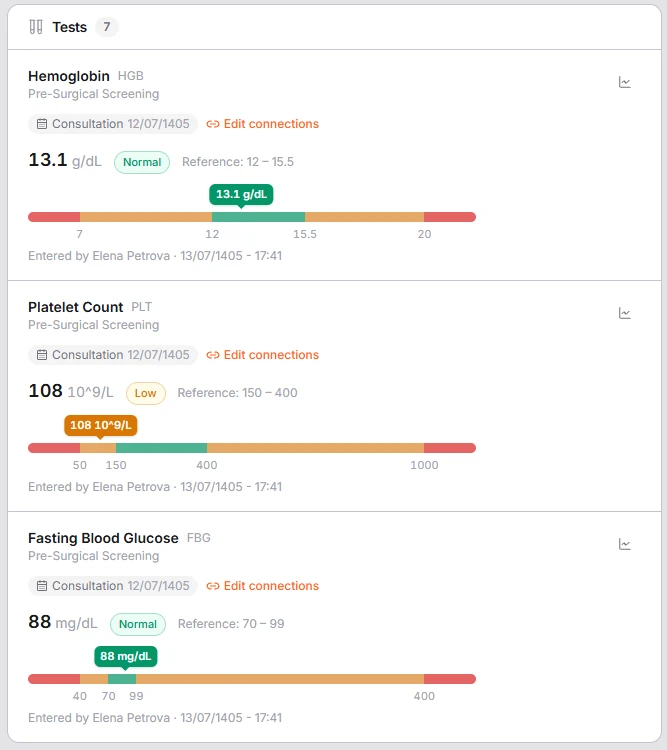
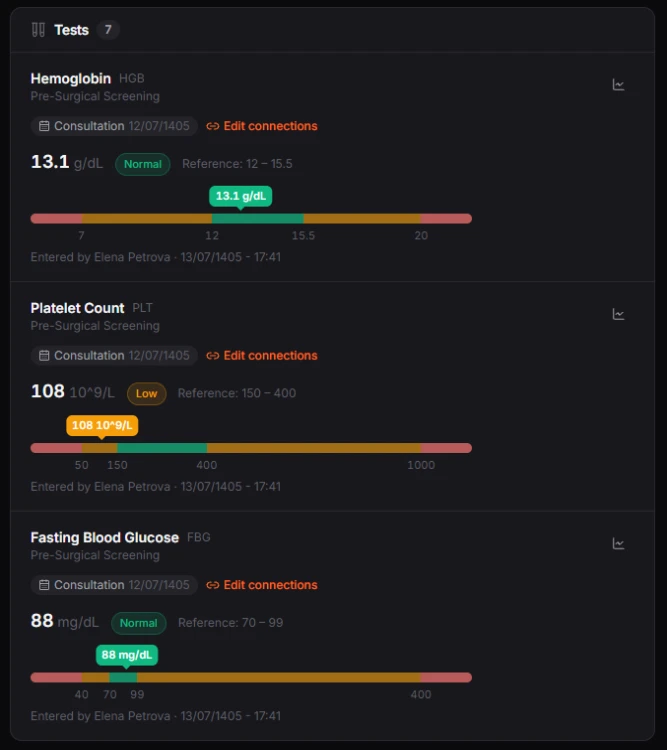
Order tests and panels from one shared catalog, linked to the visit they belong to. Specimens are collected and labelled, results for a whole order are entered on one sheet and flagged automatically against the right reference range for the patient's sex and age, then verified by a second person and released - to the clinicians caring for the patient and, when you choose, to the patient portal. Result files open in a full-screen viewer that steps through every test of the order. It works with your in-house lab and the outside laboratories you send samples to, including the fees you owe them.
- One test and panel catalog, with each laboratory's own prices and reference ranges
- Results flagged automatically as low, high or critical
- Second-person verification before results are released
- Lab fees for external laboratories, paid through Finance
Every view, download and print of a lab order is recorded in its access log.
Patient Documents & Imaging
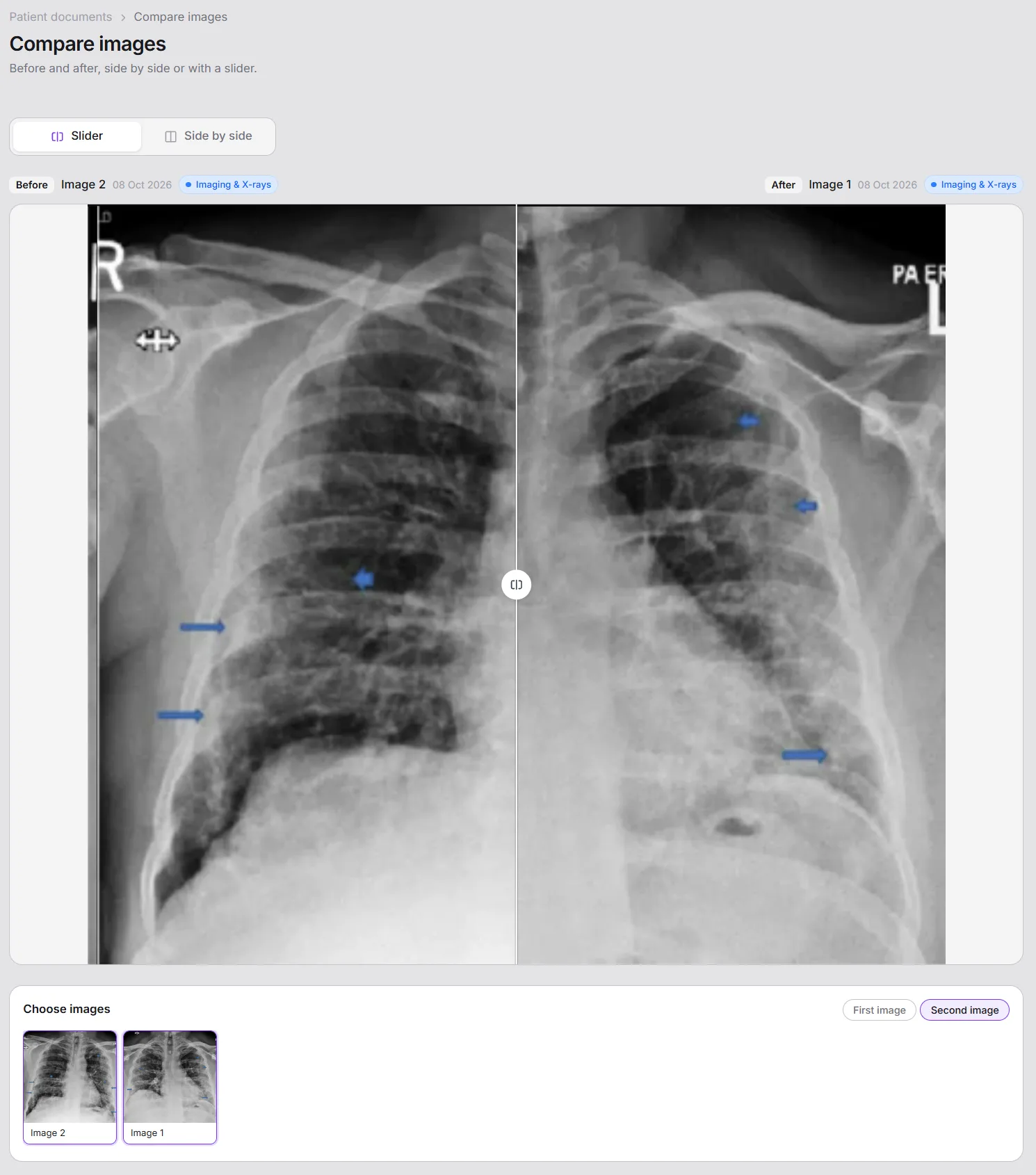
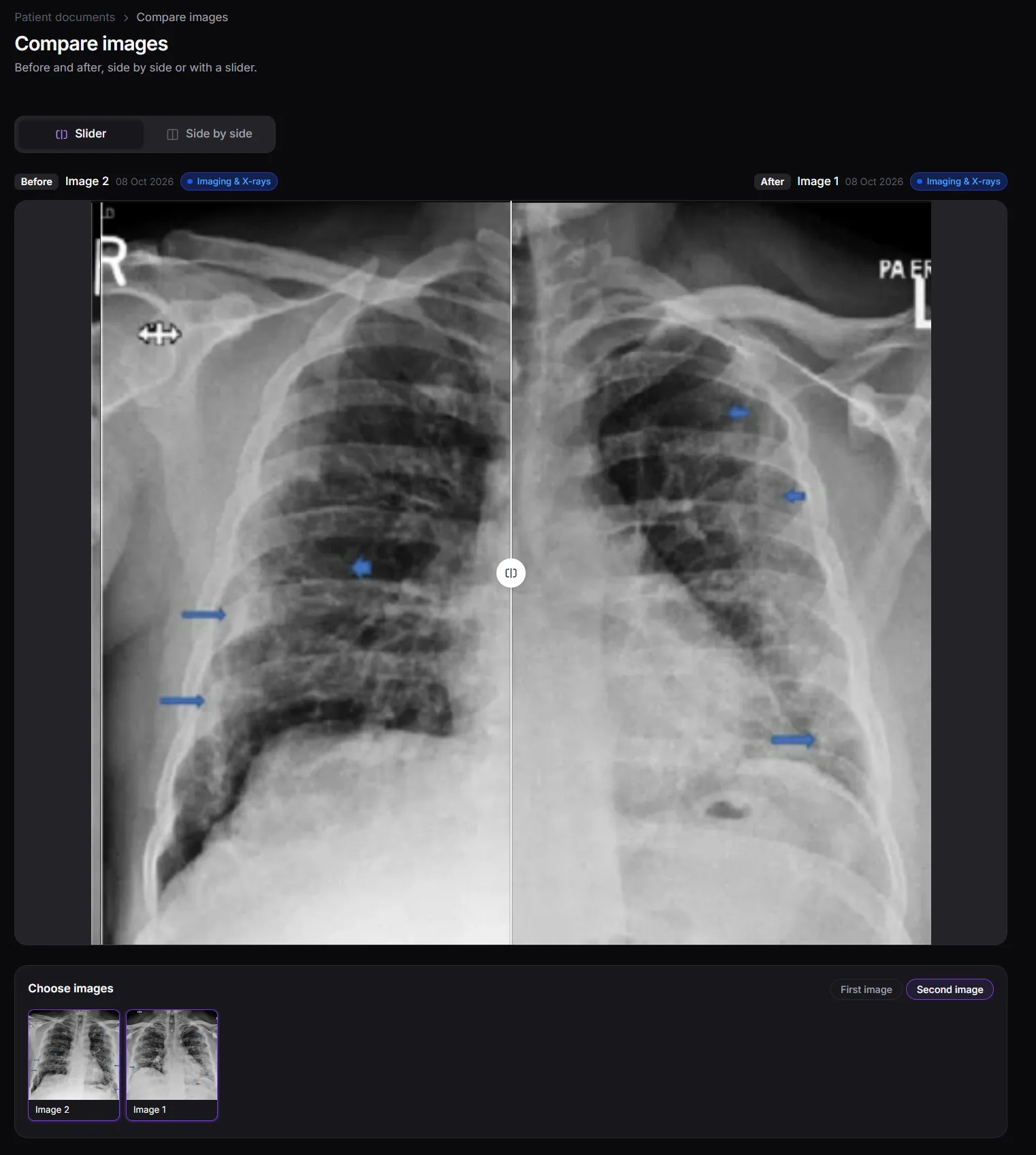
Keep every file that belongs to a patient on their record: X-rays and other imaging, clinical photos, referral letters, outside lab reports, consent forms and ID papers. Drop in many files at once, give them a category and a date, and link them to the visit or treatment they belong to. Open any image full screen with zoom, or compare a before and after with a slider or side by side. PDFs open right in Meddesk, DICOM files download for your imaging viewer, and you decide document by document what the patient can see in their portal.
- Upload many files at once, each with its own title and category
- Before and after comparison with a slider or side by side
- Link documents to the visits and treatments they belong to
- Share chosen documents with the patient in their portal
Files are stored privately, and every time one is opened - by staff or the patient - it's recorded.
Clinical Notes
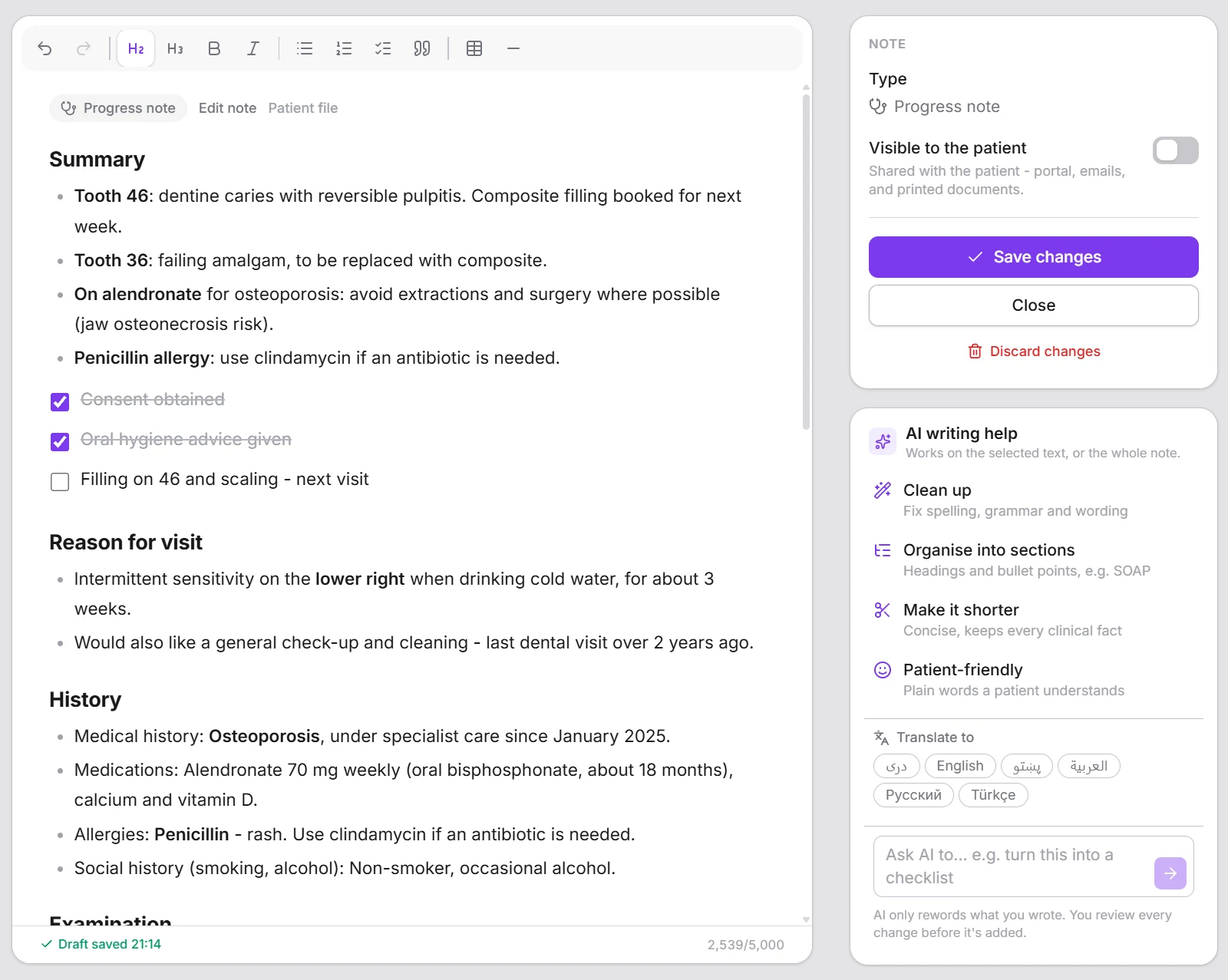
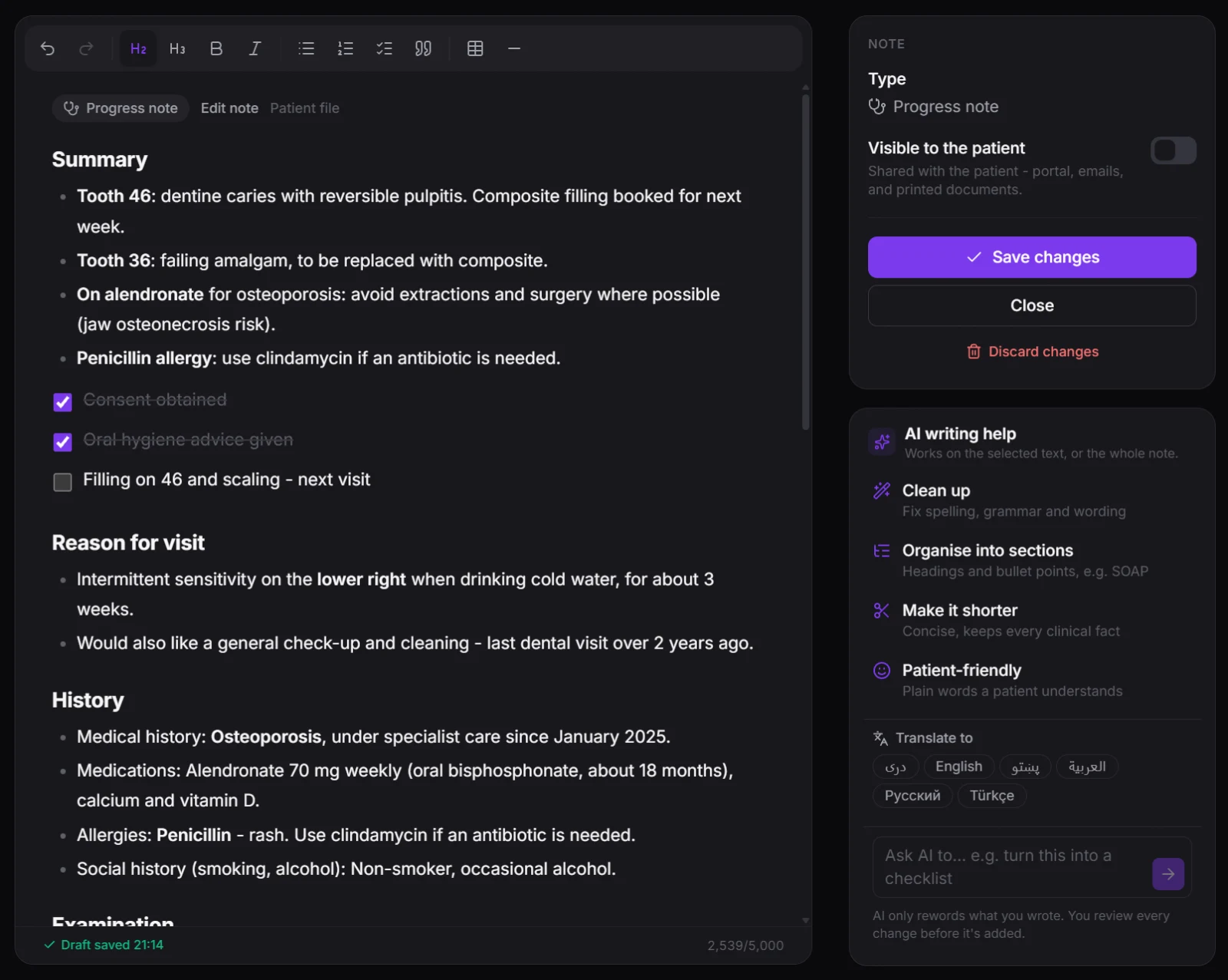
Write notes the way you think: headings, bullet points, checklists and tables, without ever seeing a formatting code. Start from a ready-made template - SOAP, first consultation, aftercare instructions - and only see the ones that fit what you're writing on. Every word is saved as a private draft while you type, so a closed tab or a call from the front desk never costs you a note, and nobody else sees it until you add it to the record. When you want help, AI writing help cleans up wording, organises a quick jot into sections, makes it shorter, rewrites it in plain words for the patient or translates it - and you approve every change before it lands.
- Headings, lists, checklists and tables in a clean, distraction-free editor
- Ready-made templates in six languages - and your own
- Private drafts saved as you type, shared only when you're done
- AI writing help: clean up, organise, shorten, patient-friendly, translate
AI only rewords what you wrote - every suggestion is shown change by change, and you decide what stays.
Vitals & Visit Summaries
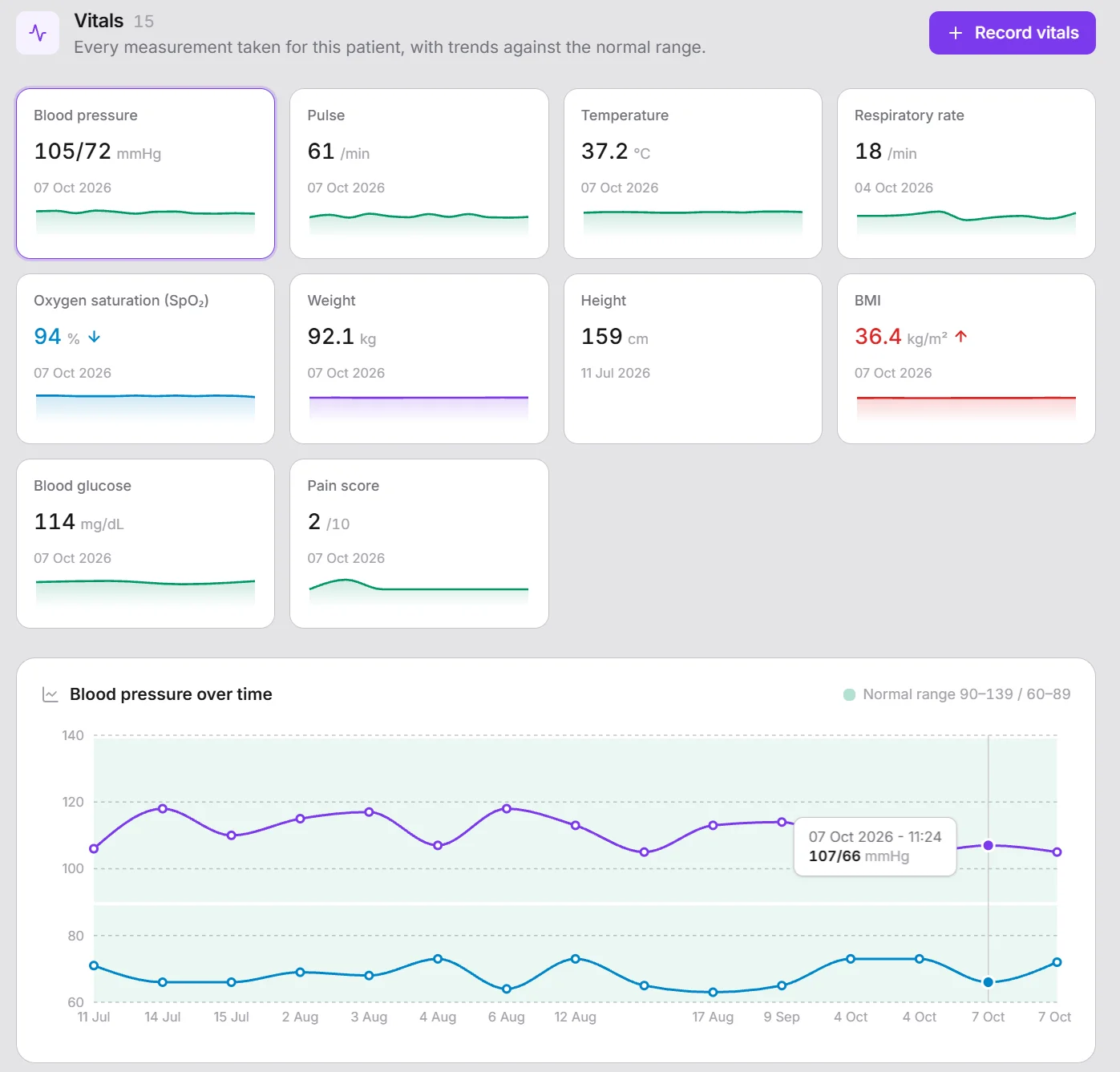
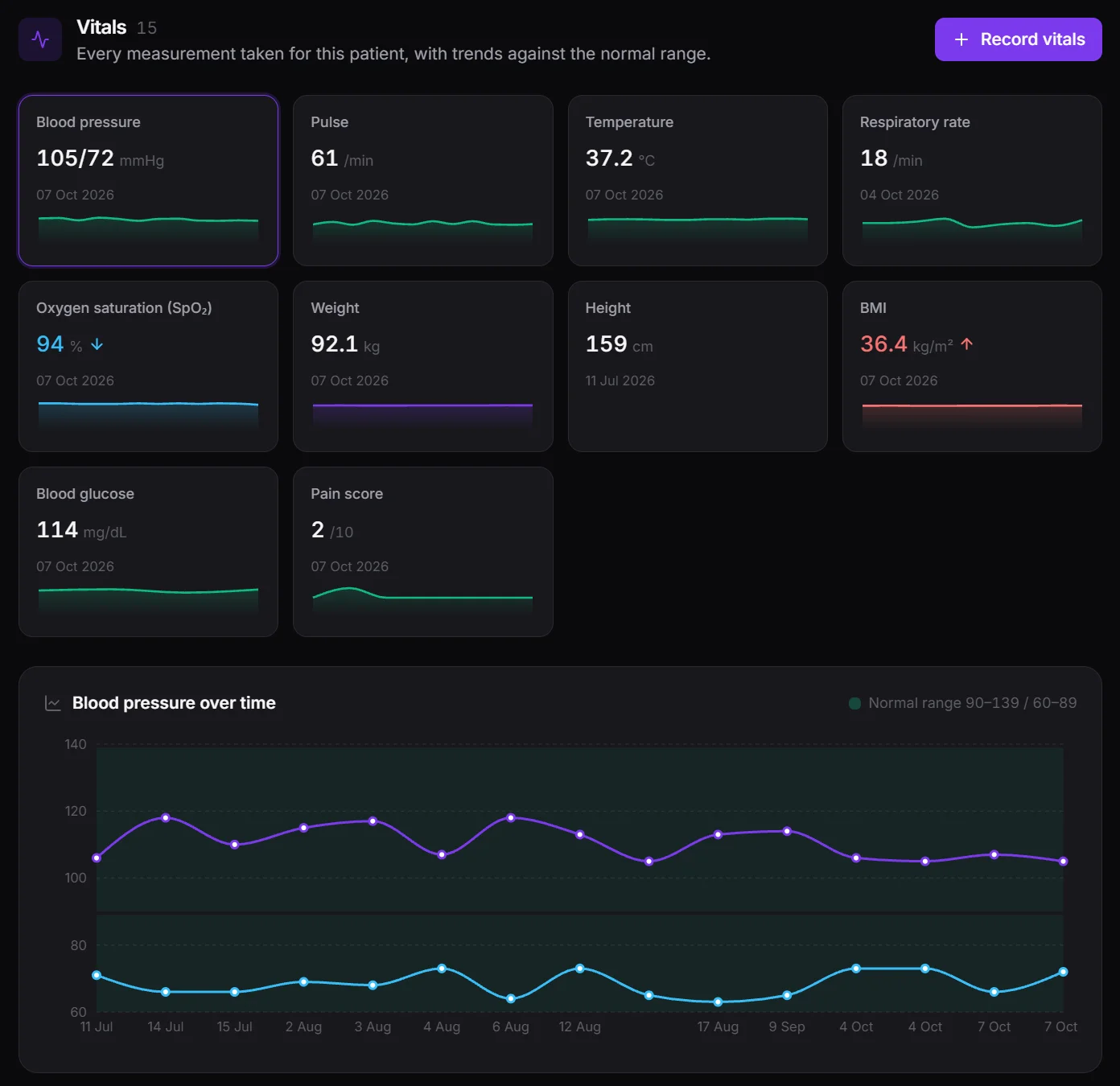
Record a patient's vitals at check-in on one clear page, with a card for every measurement that turns red or blue the moment a value is high or low. BMI and other calculated values fill themselves in. Each patient gets a trend for every vital sign with the normal range shaded behind it, and abnormal readings surface as alerts on their Patient 360. After the visit, the clinician writes a short summary - chief complaint, findings, diagnosis and plan - right on the appointment. You decide which vital signs your clinic measures, their units, and what counts as normal.
- One card per measurement, flagged High or Low as you type
- Trend charts with the normal range shaded
- A four-part visit summary on every appointment
- Your own vital signs, units, normal ranges and formulas
Typing mistakes are caught before saving - a value outside the accepted range is marked in red with the range to check against.
Dental Chart
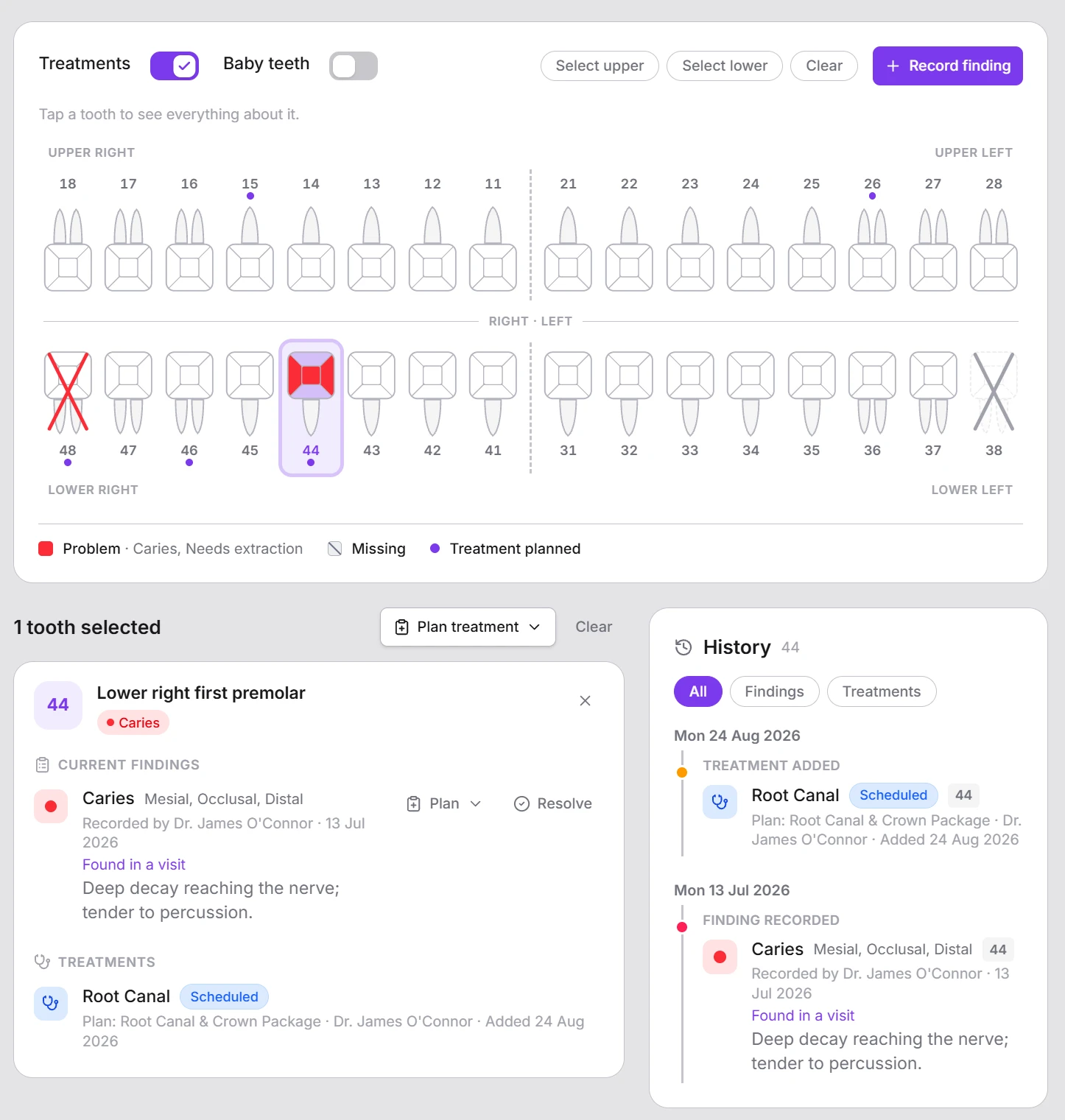
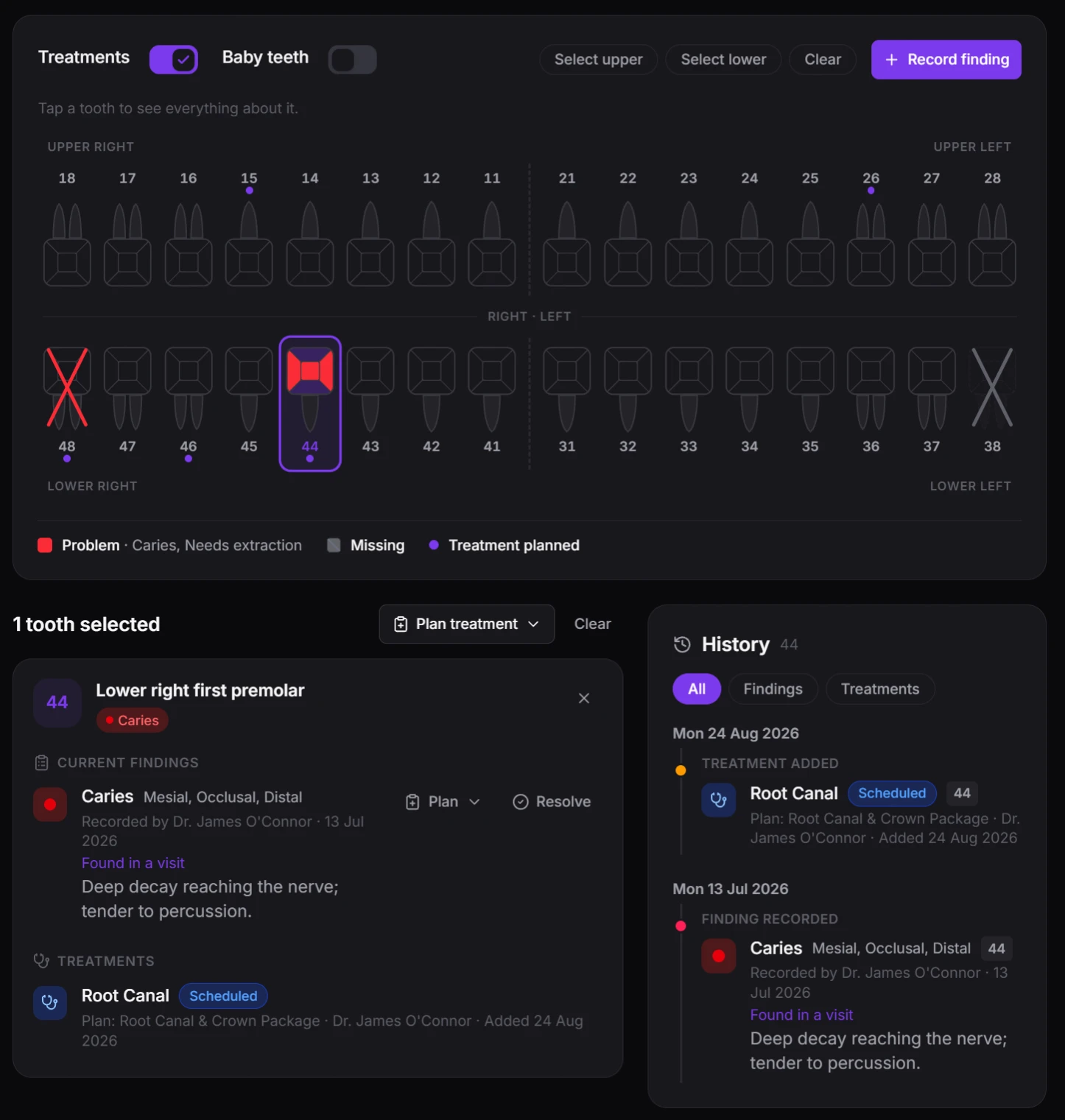
Record what you find on each tooth - caries, a fracture, a missing tooth, or work done at another clinic - in a guided window that walks you through the teeth, the finding and its surfaces. Plan the treatment straight from the finding, and when it's completed the chart updates itself: the caries is cleared and the tooth now shows the filling. Every tooth keeps its full history, the whole chart prints on A4, and teeth are numbered the way your dentists already work - FDI, Universal or Palmer.
- Guided recording - teeth, finding and surfaces, with 15 minutes to undo
- Plan a treatment from a finding; completing it updates the chart
- The full story of every tooth, from first finding to finished crown
- FDI, Universal or Palmer numbering, with tooth names in every language
Not a dental practice? Leave the module off - your team will never see a tooth.
Billing & Finance
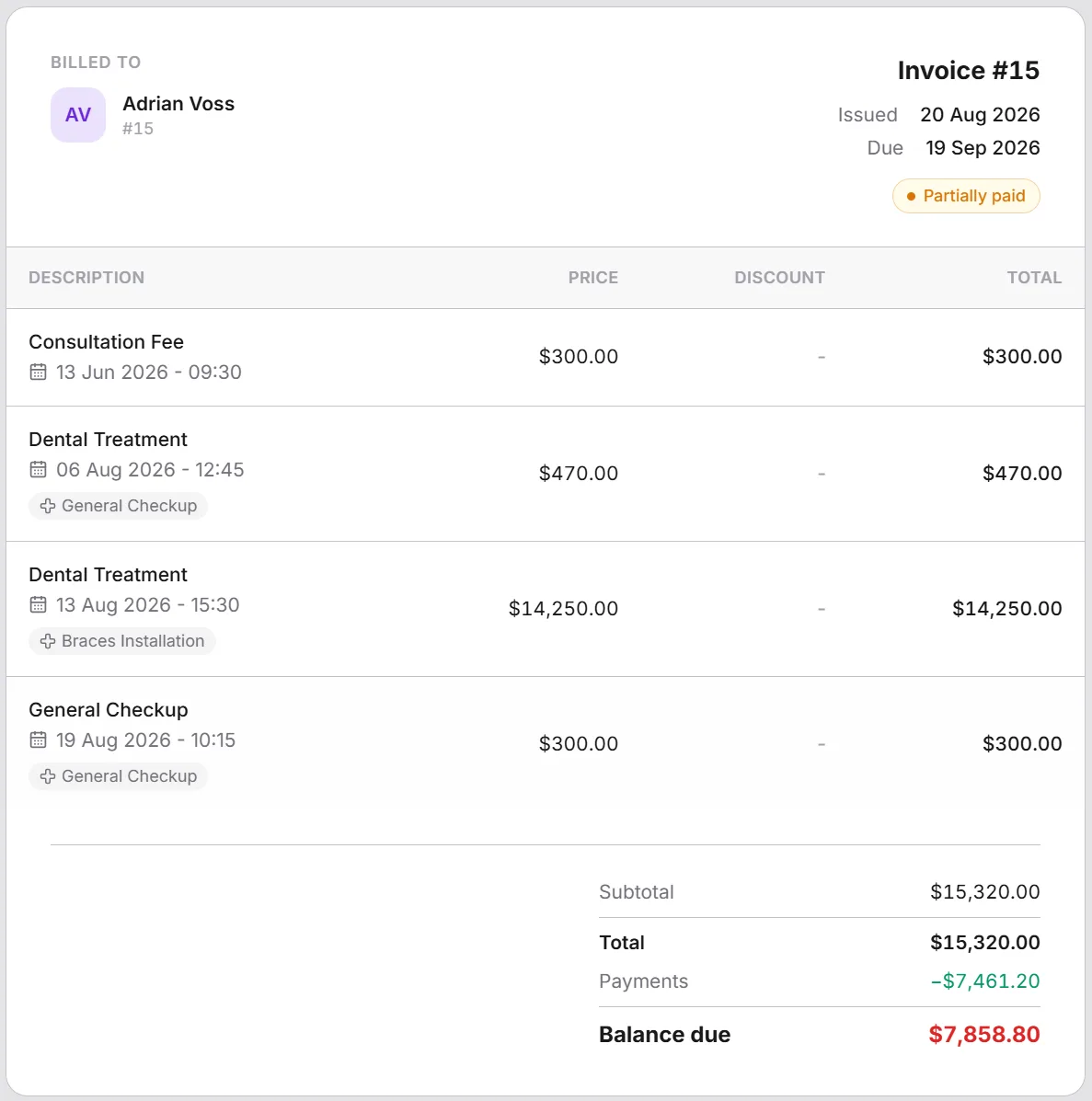
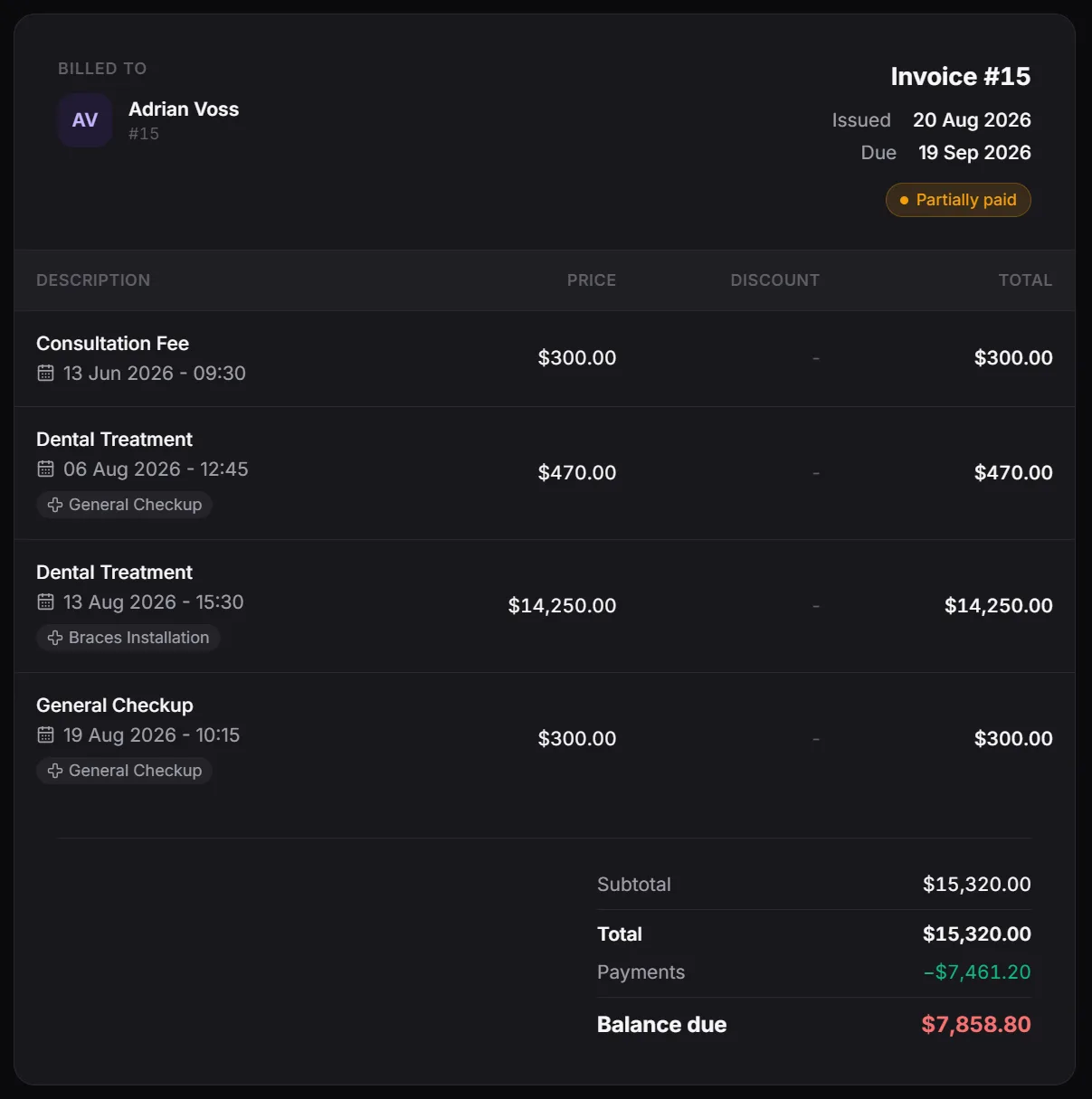
Turn a visit into an itemized invoice in one click - the visit itself, its treatments, lab tests and the supplies used - and track it from draft through issued, paid, partially paid, or cancelled. Every payment and refund is recorded as a transaction against one of your accounts, with a configurable refund window and full status tracking.
- One click turns a visit, its treatments, lab tests and supplies into an invoice
- Payments and refunds recorded as transactions, not loose entries
- Refunds within a configurable refund window
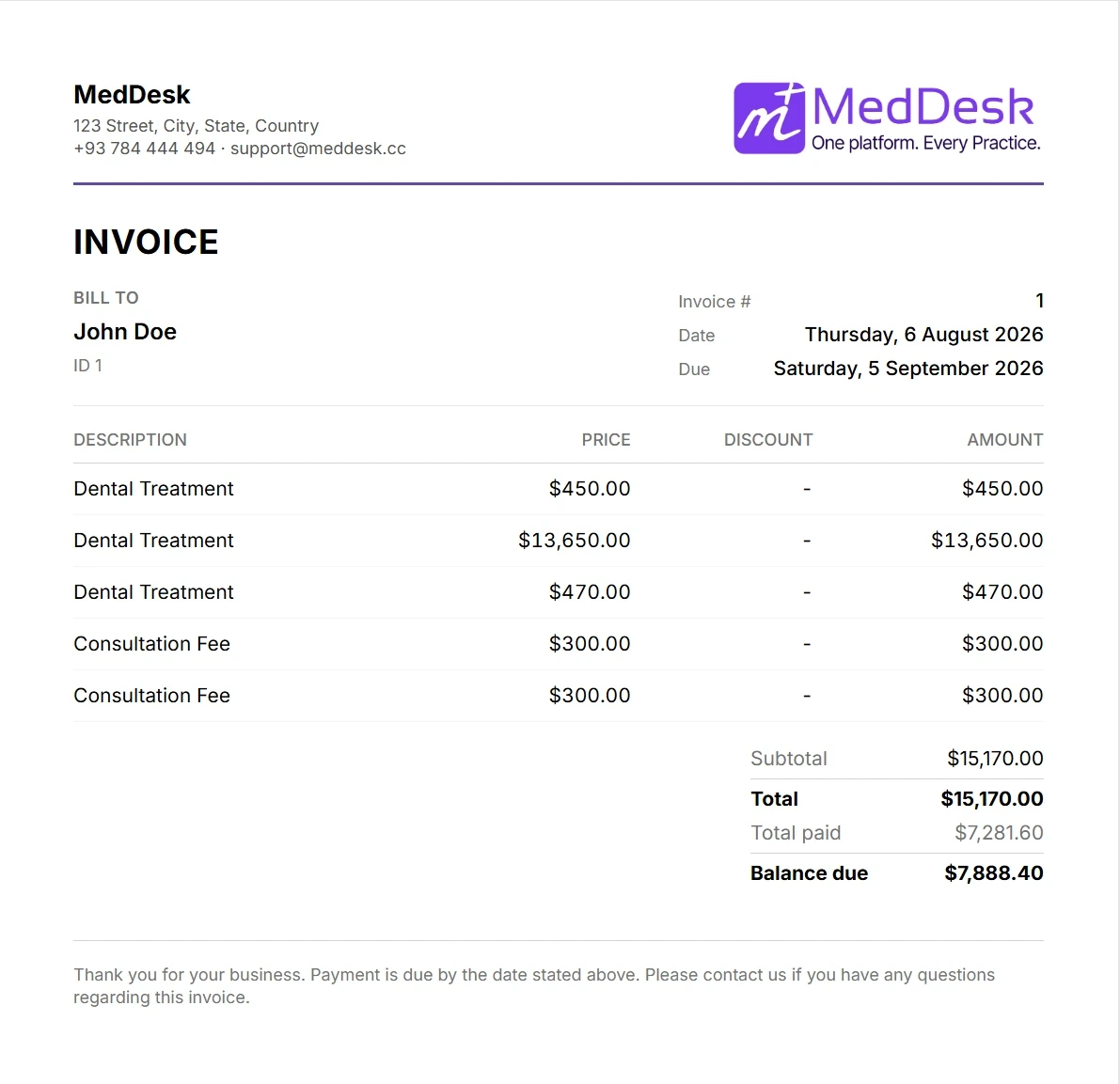
- Print-ready invoices for patients and records
Accounts & Multi-Currency Ledger
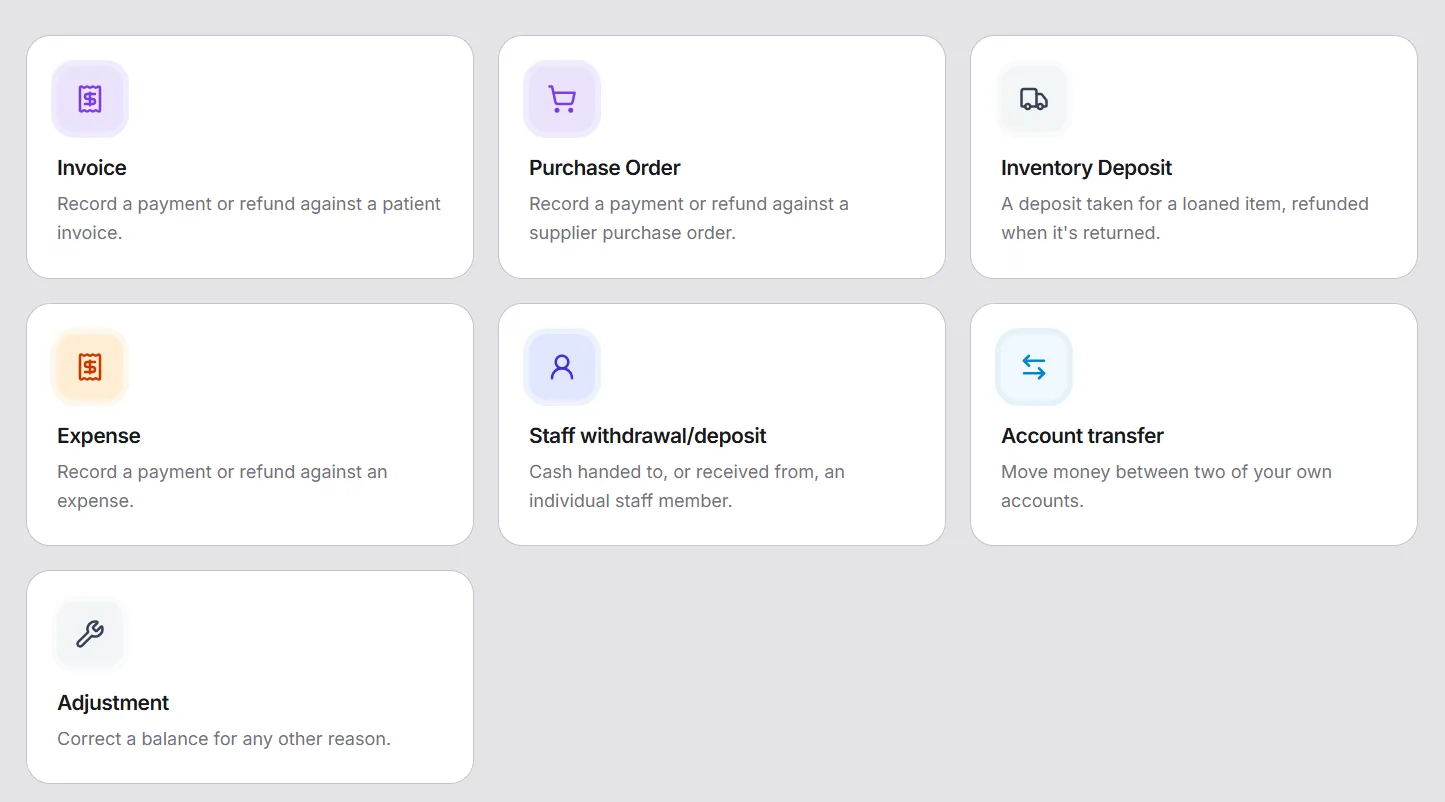
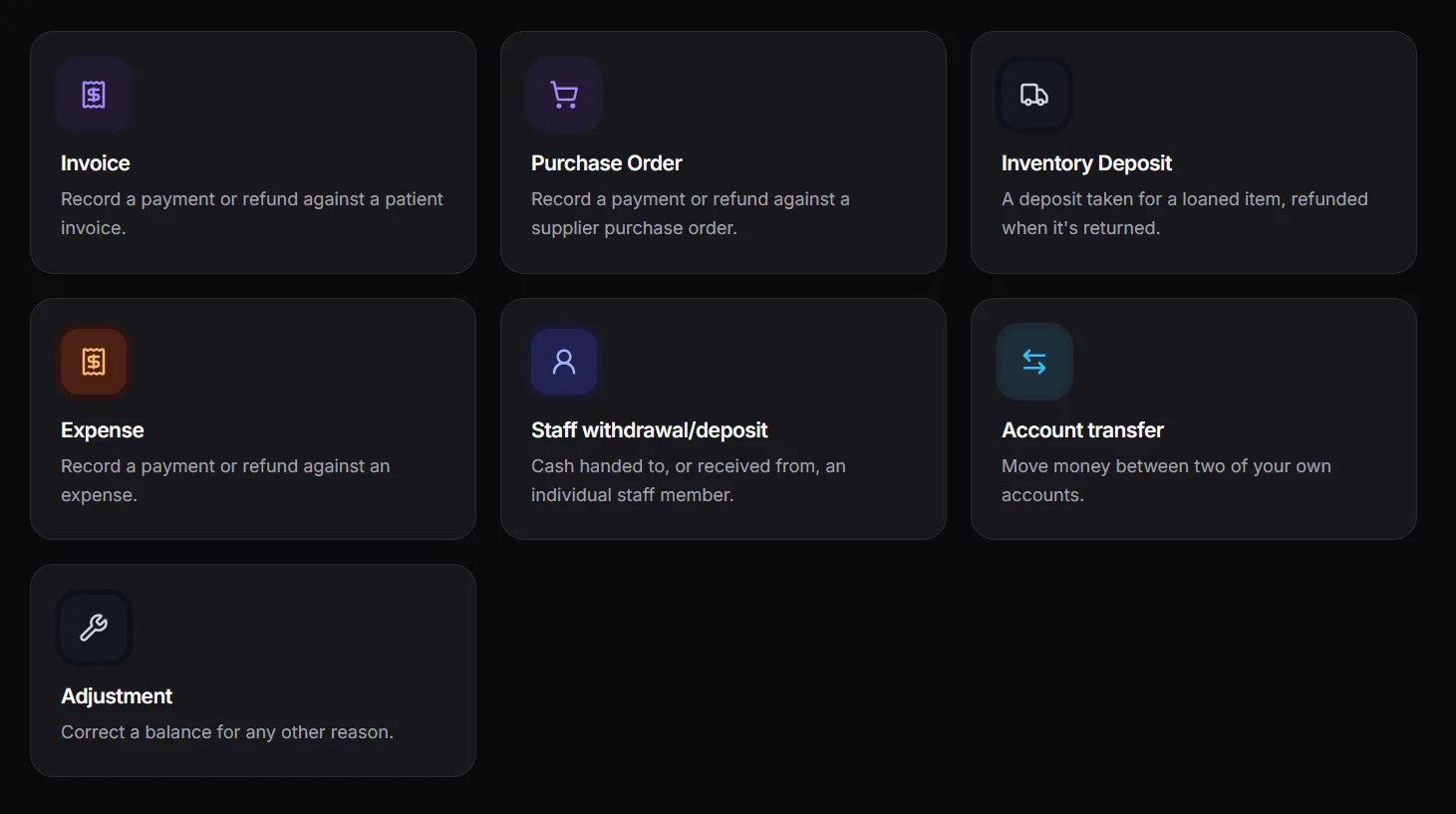
Every invoice payment, refund, transfer, staff withdrawal, and deposit lands on one ledger, scoped to the cash or bank account it actually moved through. Hold accounts in different currencies with automatic exchange-rate conversion on transfers, and grant staff access per account - who can record, approve, void, or delete - independent of their role.
- Unlimited cash and bank accounts, each in its own currency
- Account-to-account transfers with automatic exchange-rate conversion
- Per-account staff access - who can record, approve, void, or delete
- Full account statements with running balances, always reconciled
Dynamic Forms
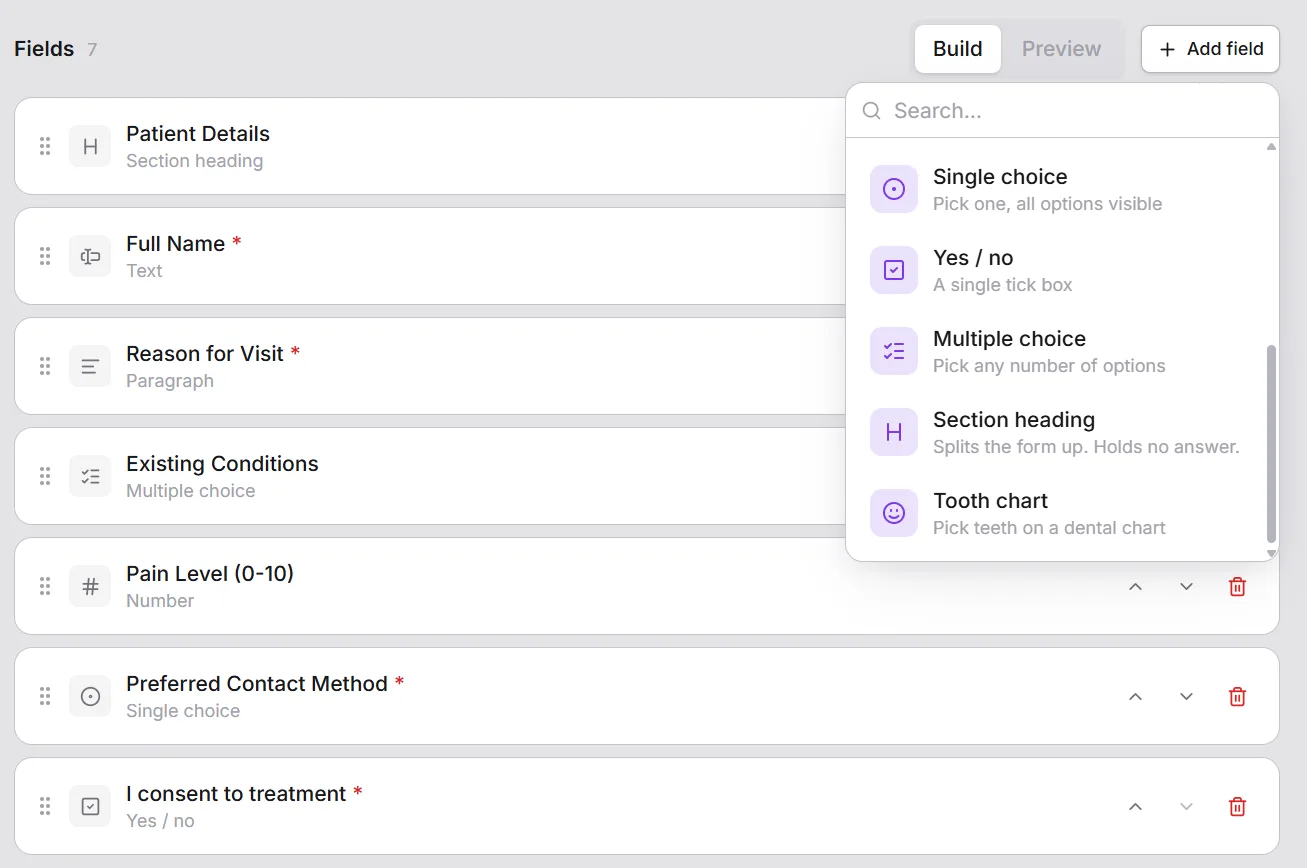
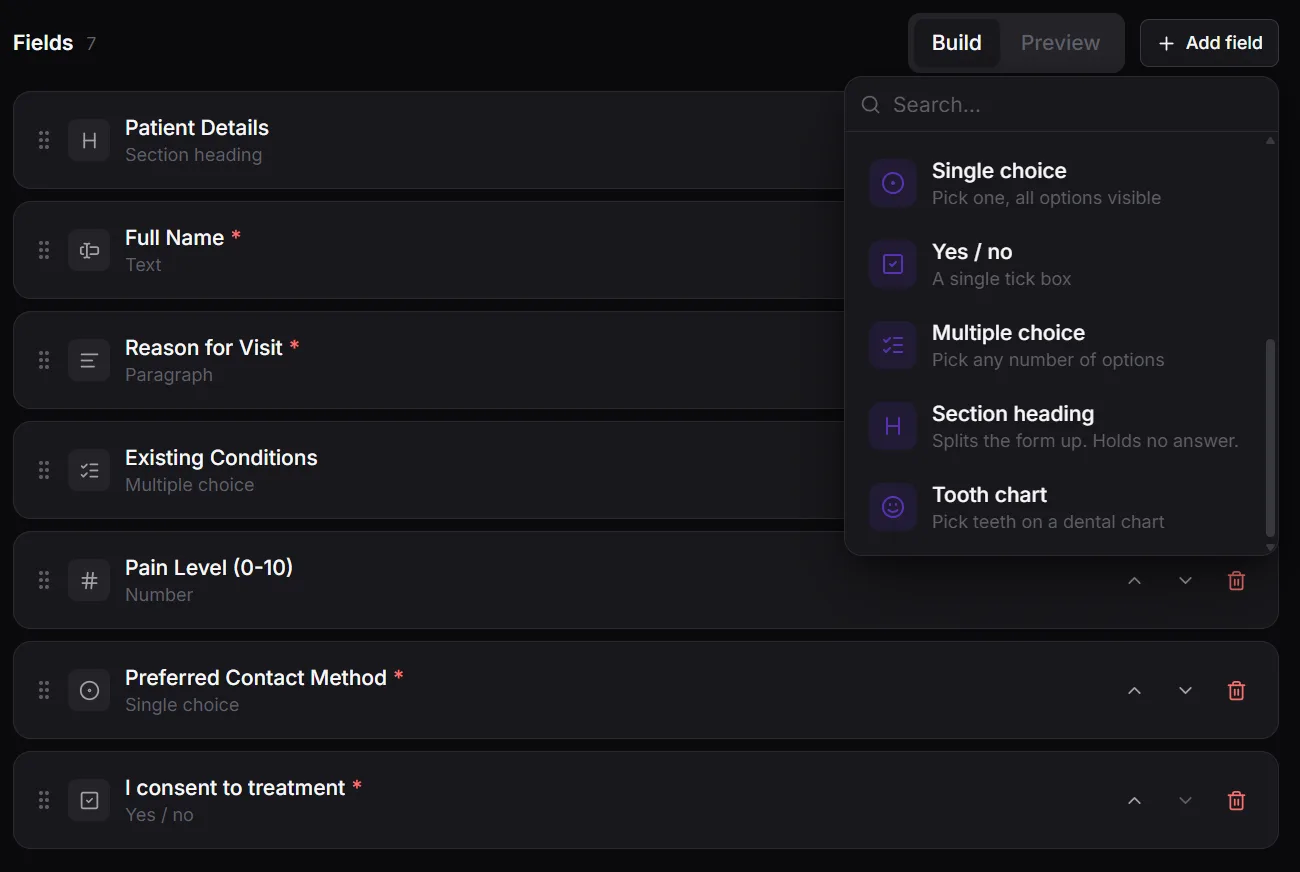
A form builder with text, numbers, dates, dropdowns, single and multiple choice, checkboxes and section headings, written in each of your clinic's languages. Fill a form in on the visit or treatment it belongs to, so it's always found in context. Submissions are timestamped, printable, and amendable or voidable with a reason on record, so the paper trail holds up.
- Drag-together form builder - no code change required
- Intake questionnaires, consent forms and follow-up checklists
- Amend or void a submission with a reason on record
- Every submission timestamped and printable
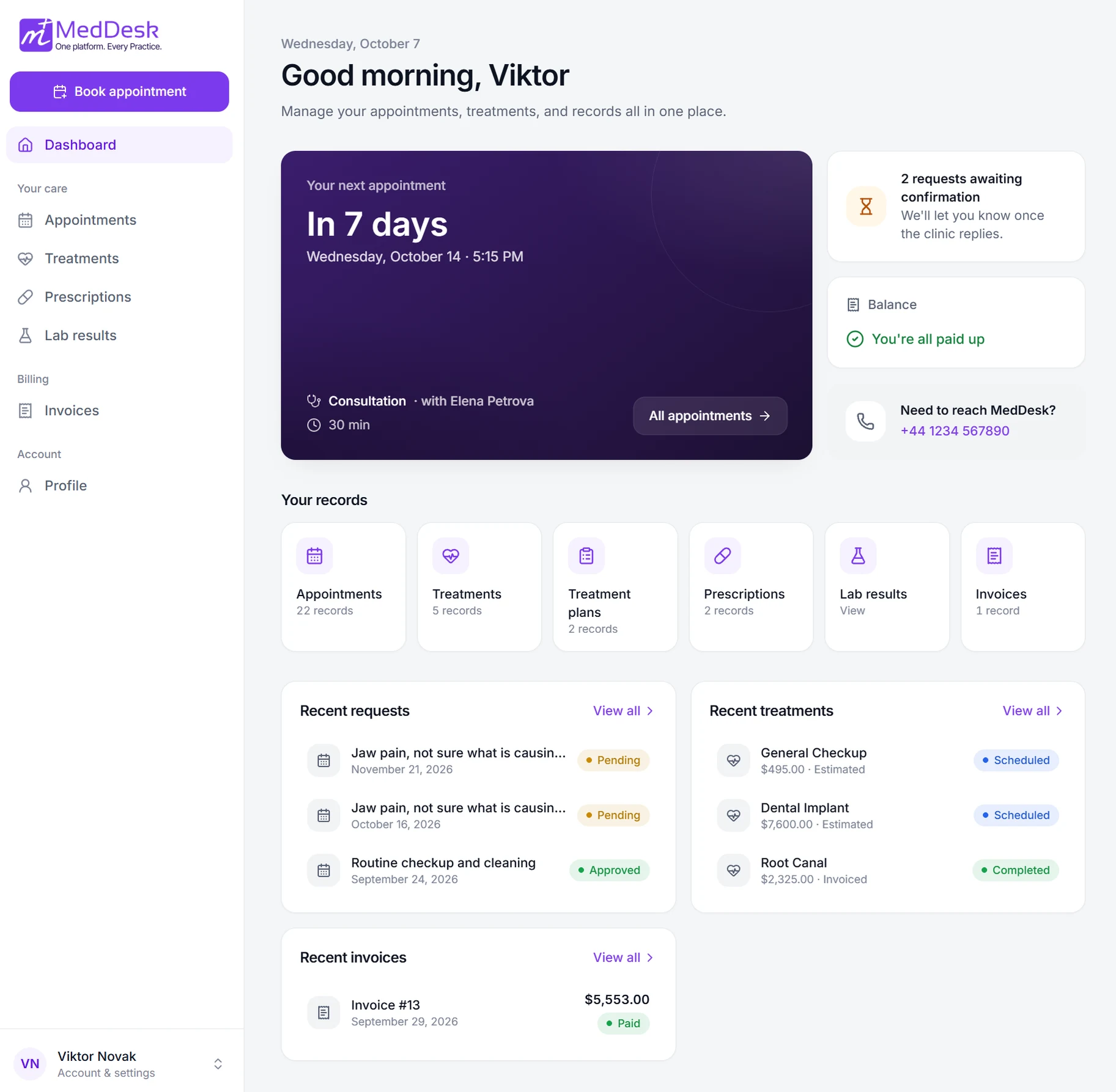
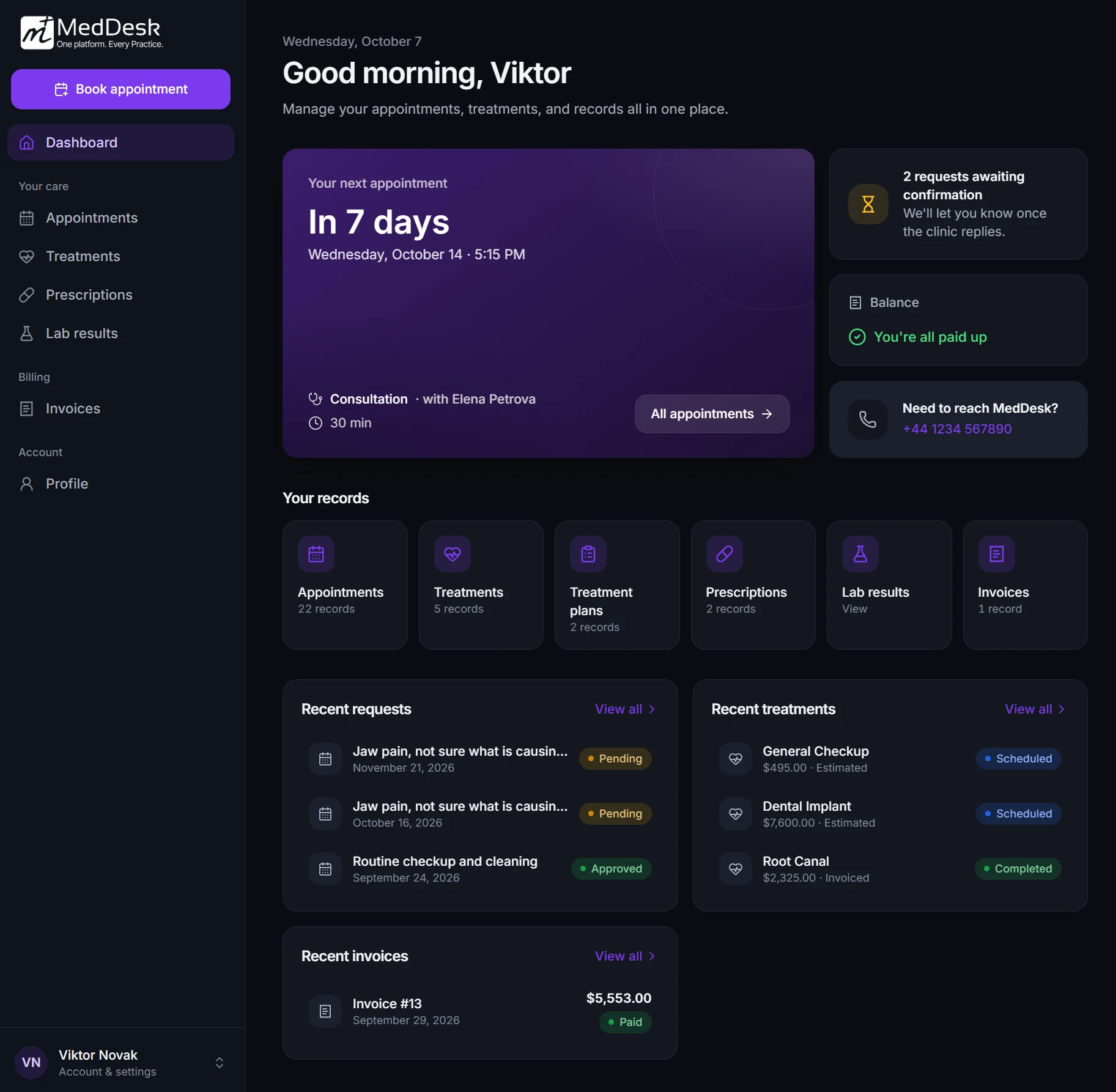
Patient Portal
Patients get their own secure login to request appointments, which staff approve or decline from the console, and to see their own appointments, treatments and plans, prescriptions, invoices, lab results once the clinic releases them, and the documents the clinic chooses to share - in their own language. Front desk teams can create and link portal accounts, manage access, and reset passwords without a support ticket.
- Patients request appointments online, optionally with the practitioner they want - staff approve before anything is booked
- Their appointments, treatments, prescriptions and invoices in one place
- Lab results and shared documents, once your clinic releases them
- Front desk can create accounts and reset access directly
WhatsApp Inbox & Patient Messaging
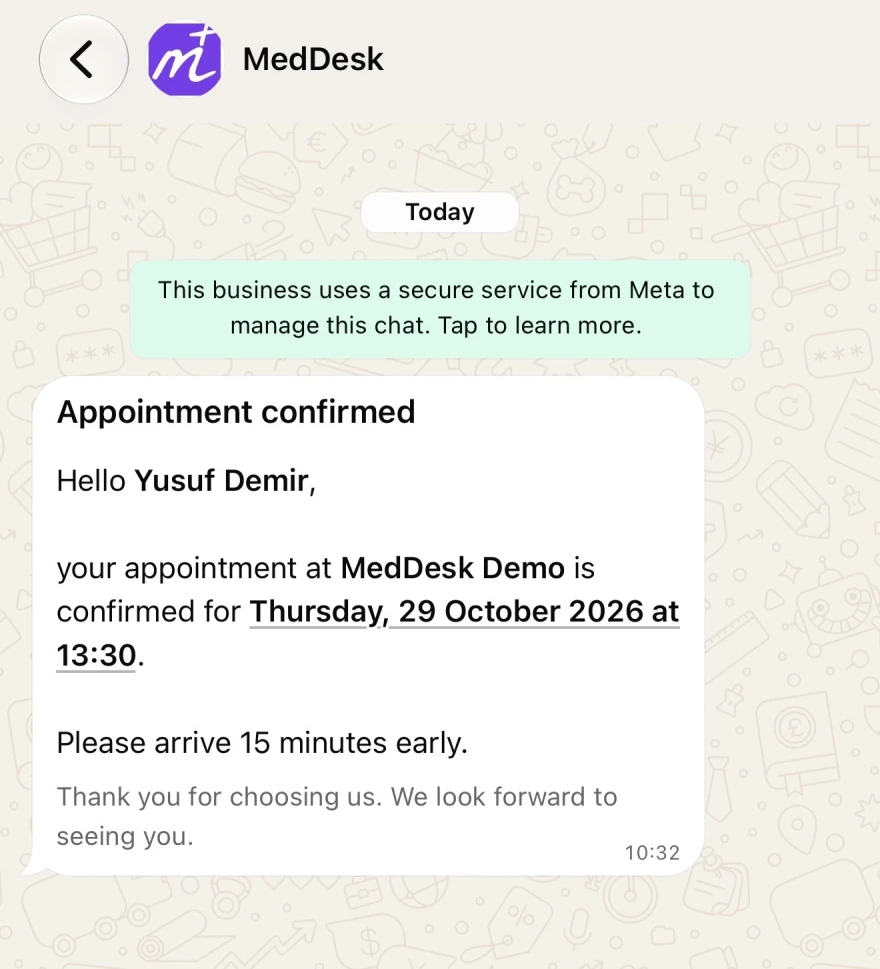
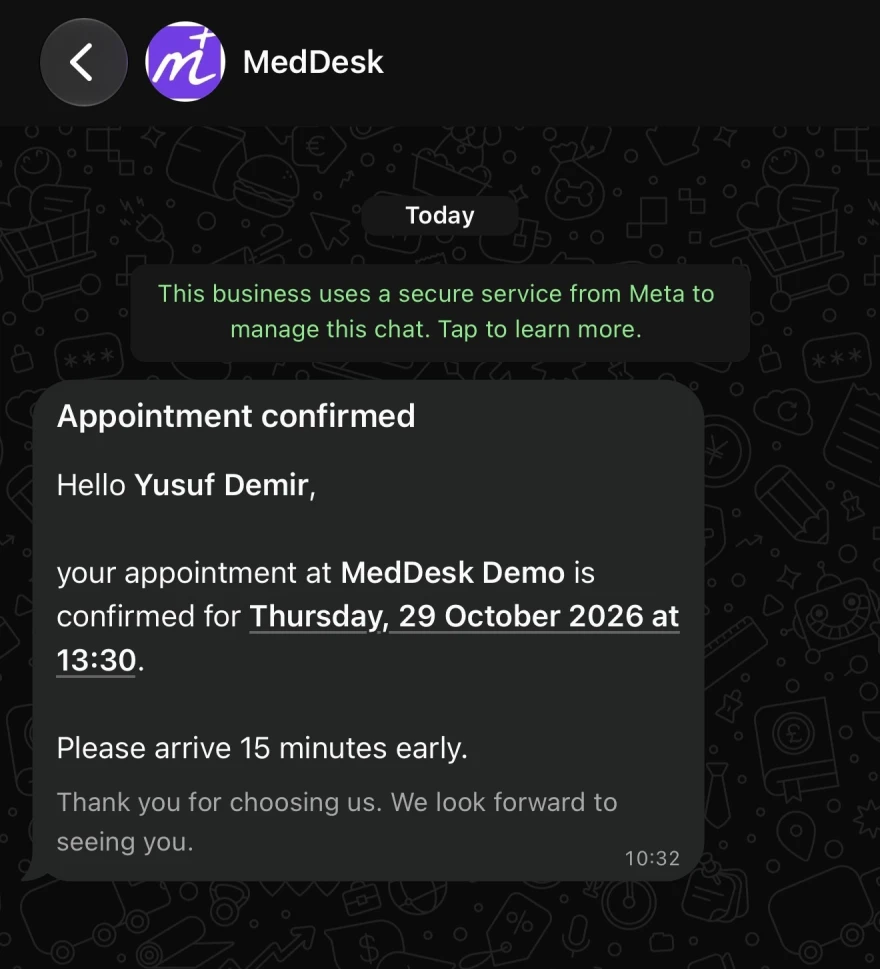
Connect your clinic's WhatsApp number and answer every patient from one shared team inbox, with contact names, delivery status and unread counts. Patients who agree receive their appointment confirmations, changes and reminders - and a nudge when they're due back for a recall - on WhatsApp, in their own language. Turn on an auto-reply for after hours, and let the AI assistant answer questions about your clinic and send appointment requests for patients - which your team still approves.
- One shared team inbox - chats with staff stay private
- Appointment confirmations, reminders and recall reminders on WhatsApp
- Auto-reply, plus AI replies that can request appointments
- Patients confirm their date of birth before seeing their own records
Staff & Role-Based Access
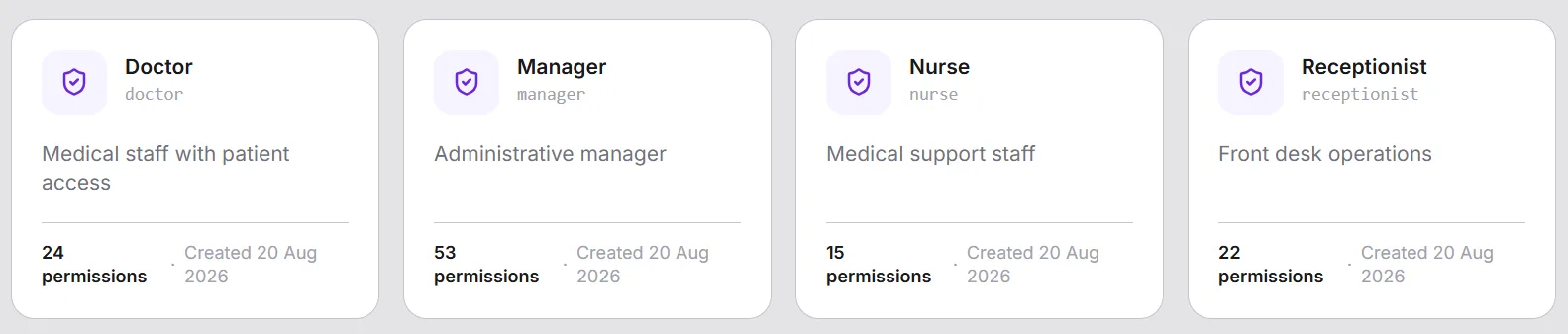
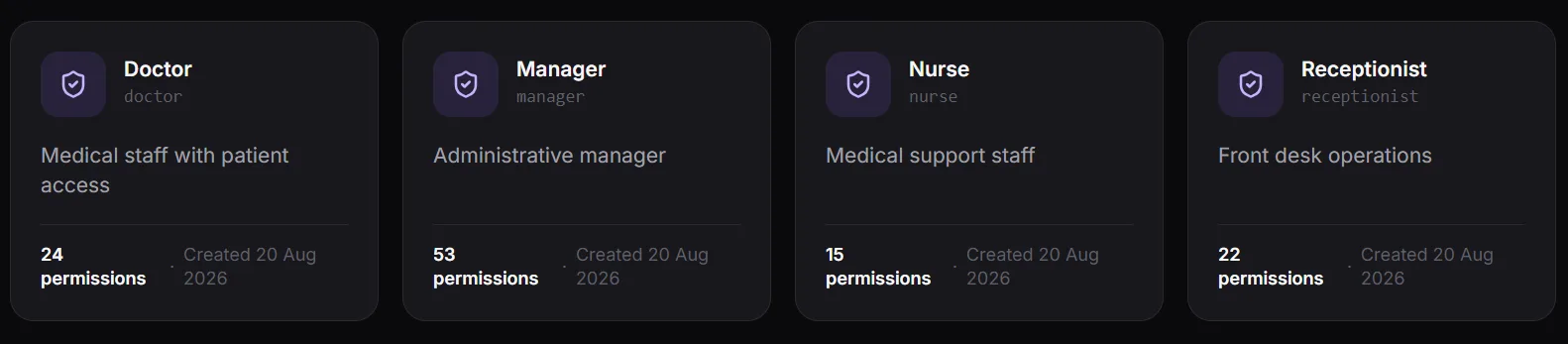
Granular, permission-level access control across staff, patients, appointments, treatments, medical history, finance, prescriptions, and forms. Seeded roles - Doctor, Nurse, Receptionist, Manager, Super Administrator - cover most practices out of the box, and every permission can be adjusted for your practice.
- Granular permissions across every clinical and operational module
- Seeded roles for Doctor, Nurse, Receptionist, and Manager
- Roles and permissions adapt as your practice grows
- A receptionist never sees what only a clinician should
Create as many custom roles as you need, each built from 80+ granular permissions.
Staff Schedules & Time Off
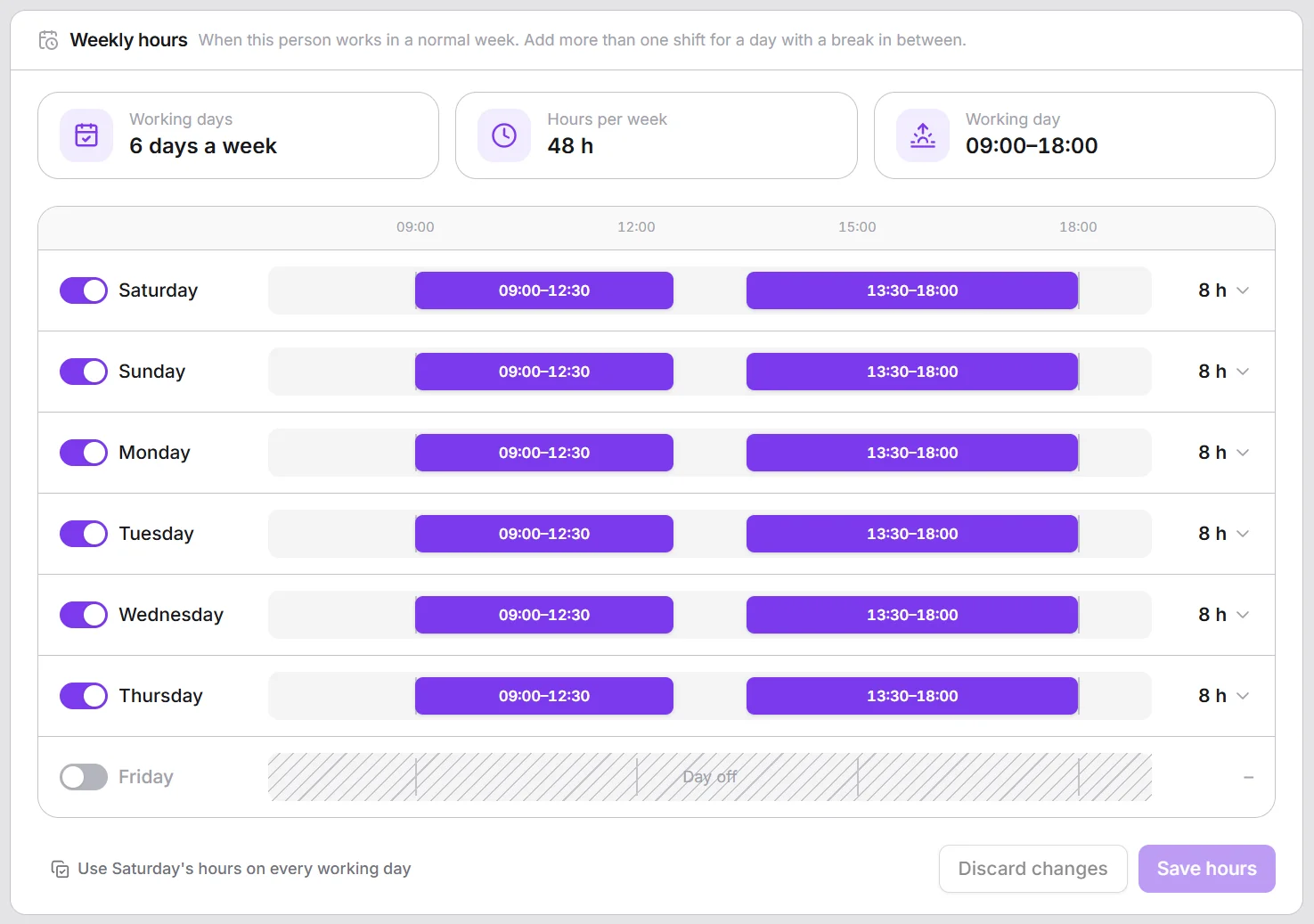
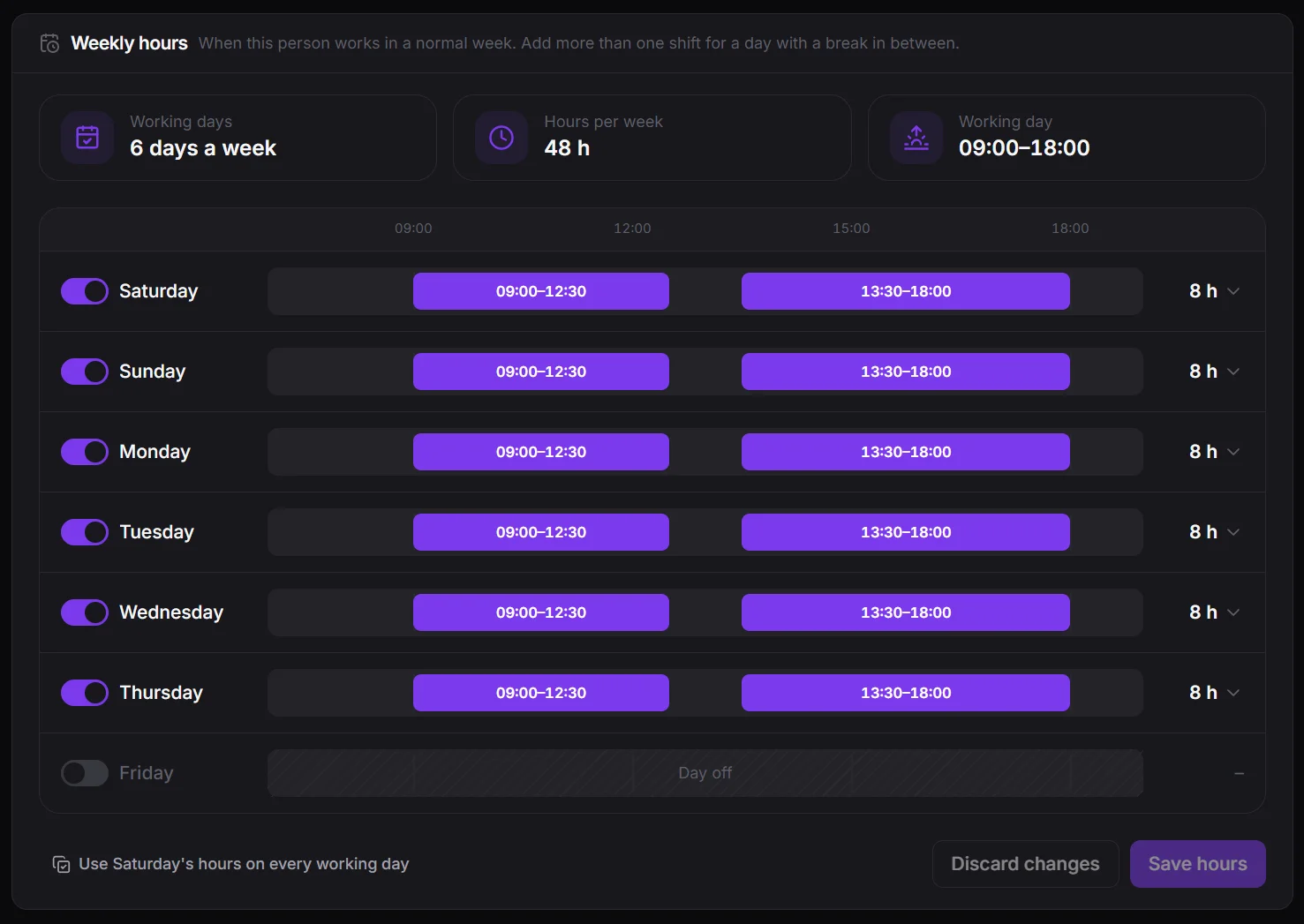
Lay out each person's working week on a timeline - split shifts, lunch breaks and shorter days included - and add their leave or a few hours off. The whole team's week fits on one page. When you book an appointment or approve a request, anyone on leave, off that day or outside their hours is flagged with the reason, so you can pick someone else or book the exception knowingly. Turn it on for the patient portal and patients can choose a practitioner and see only the times that person is actually free.
- Weekly hours with split shifts and lunch breaks
- Time off for whole days or just a few hours
- Warnings when booking someone who's away or off
- Patients can pick a practitioner and only see their free times
Schedules only warn, they never block - your front desk stays in control of every exception.
Dashboard & Practice Analytics
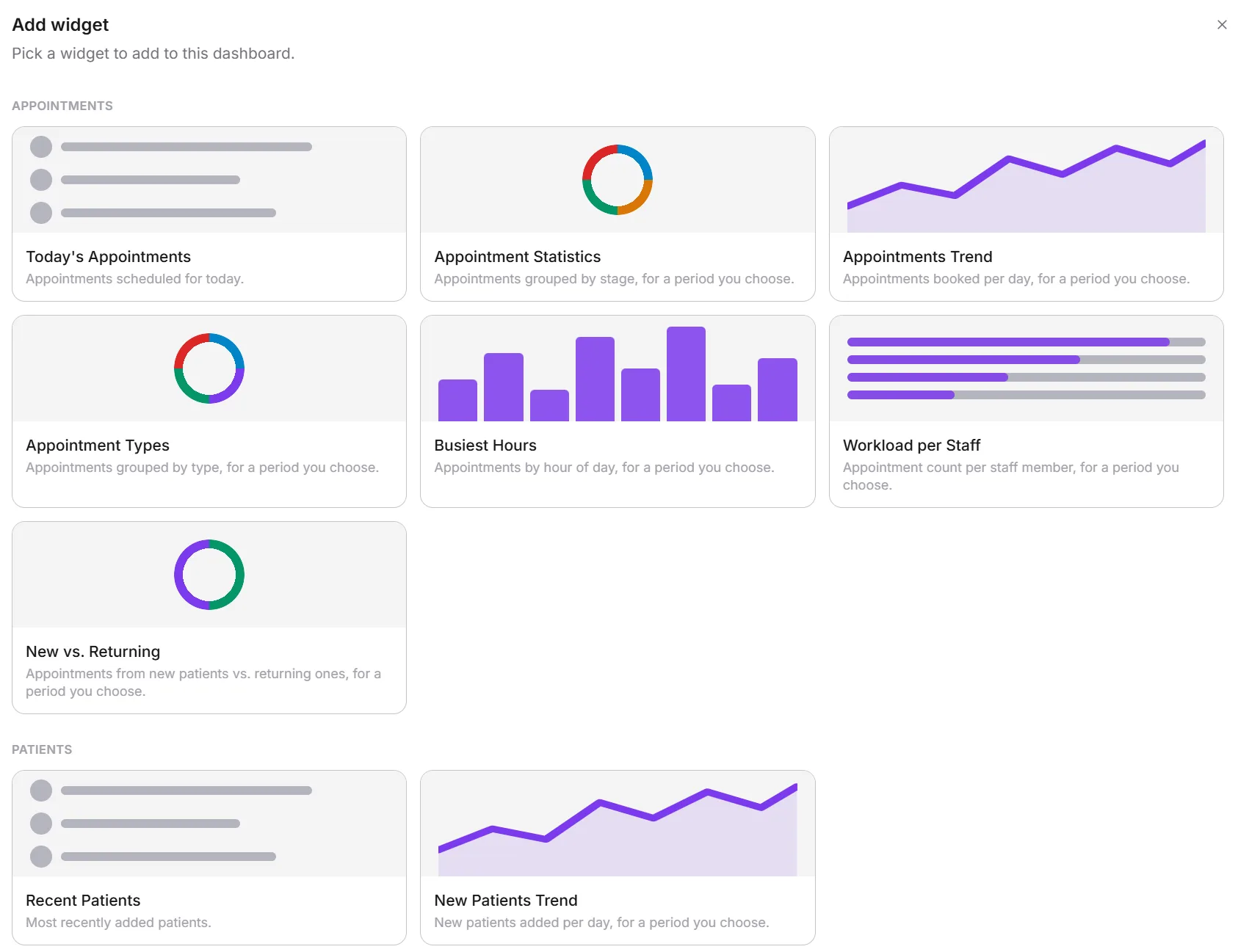
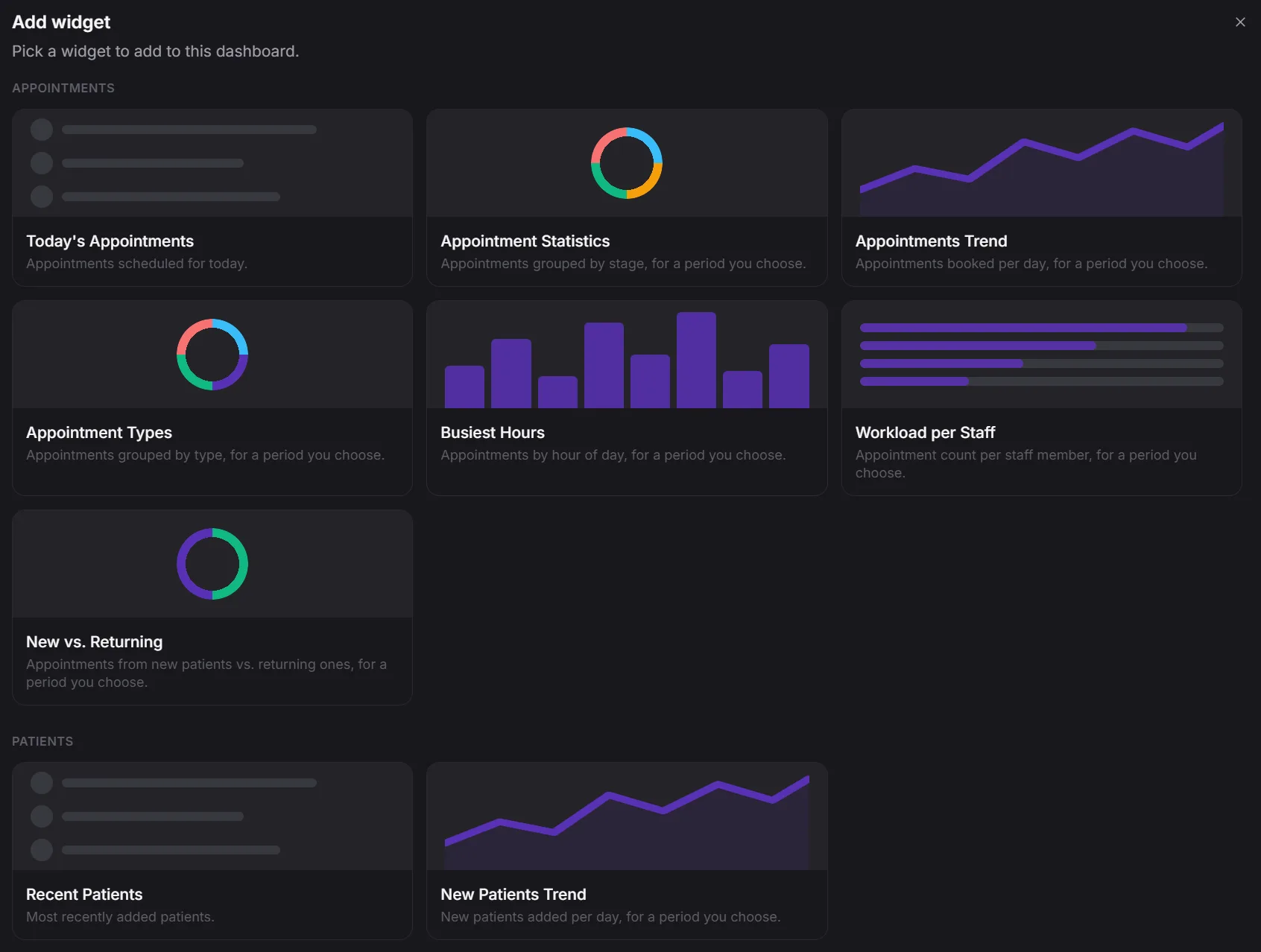
A configurable widget grid surfaces the numbers a practice checks daily: appointment and revenue trends, busiest hours, new versus returning patients, staff workload, account balances, pending portal approvals. Every module adds its own - the lab worklist and critical results, recalls due, outstanding invoices, overdue treatments, top prescribed medications, low stock. Drag widgets into the layout that matches how your team works, and share dashboards with the roles that need them.
- 30+ widgets across appointments, finance, lab, treatments, stock and staff
- Drag-and-drop layout, arranged the way your practice works
- Every module adds its own widgets automatically
- Share dashboards with the roles that need them
Reports
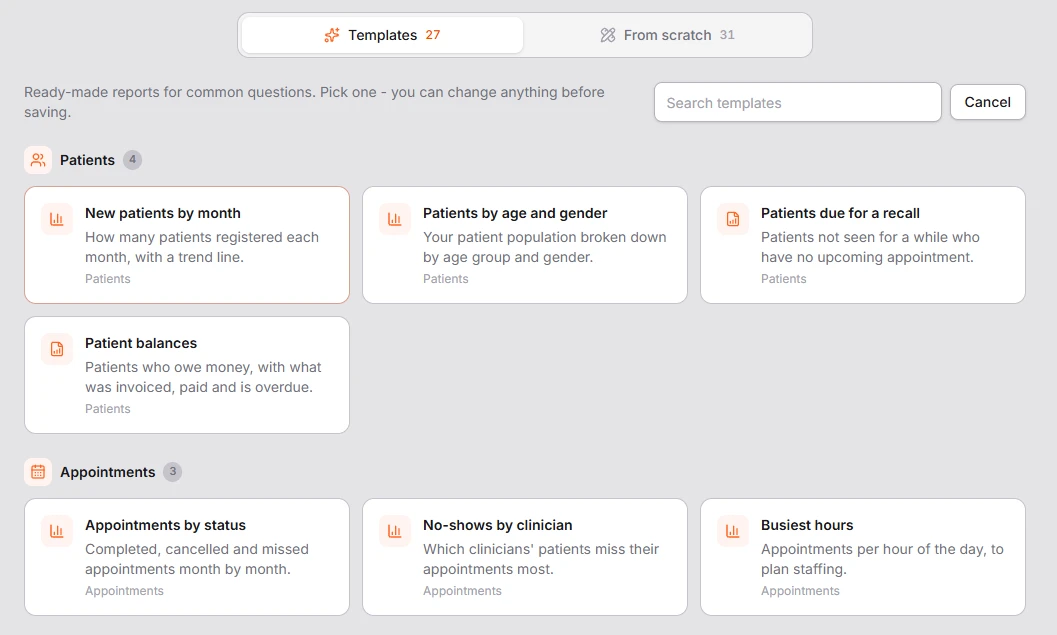
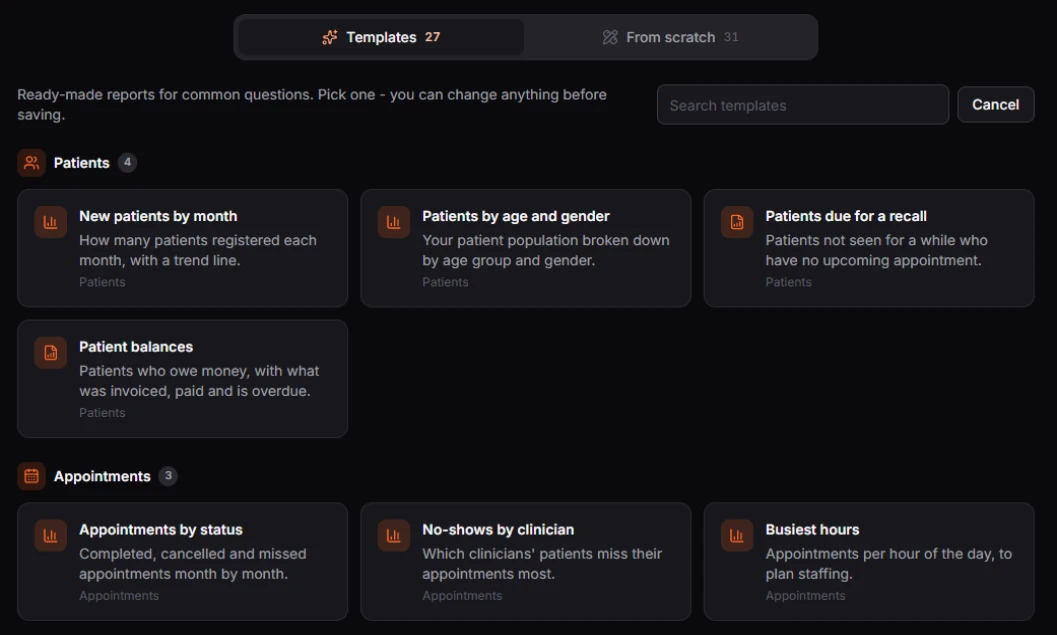
Who still owes money, which treatments were finished but never invoiced, how busy each clinician was this month: start from 30 ready-made reports or build your own from scratch on 33 data sources. Choose columns, totals, filters and charts with a live preview, let whoever runs the report pick the date range, and share it with the roles or people who need it.
- 30 ready-made templates and 33 data sources
- Columns, totals, filters and charts, with a live preview
- Share with roles or people, print, or export to CSV
- Patients' contact details are never available in reports
Inventory & Purchasing
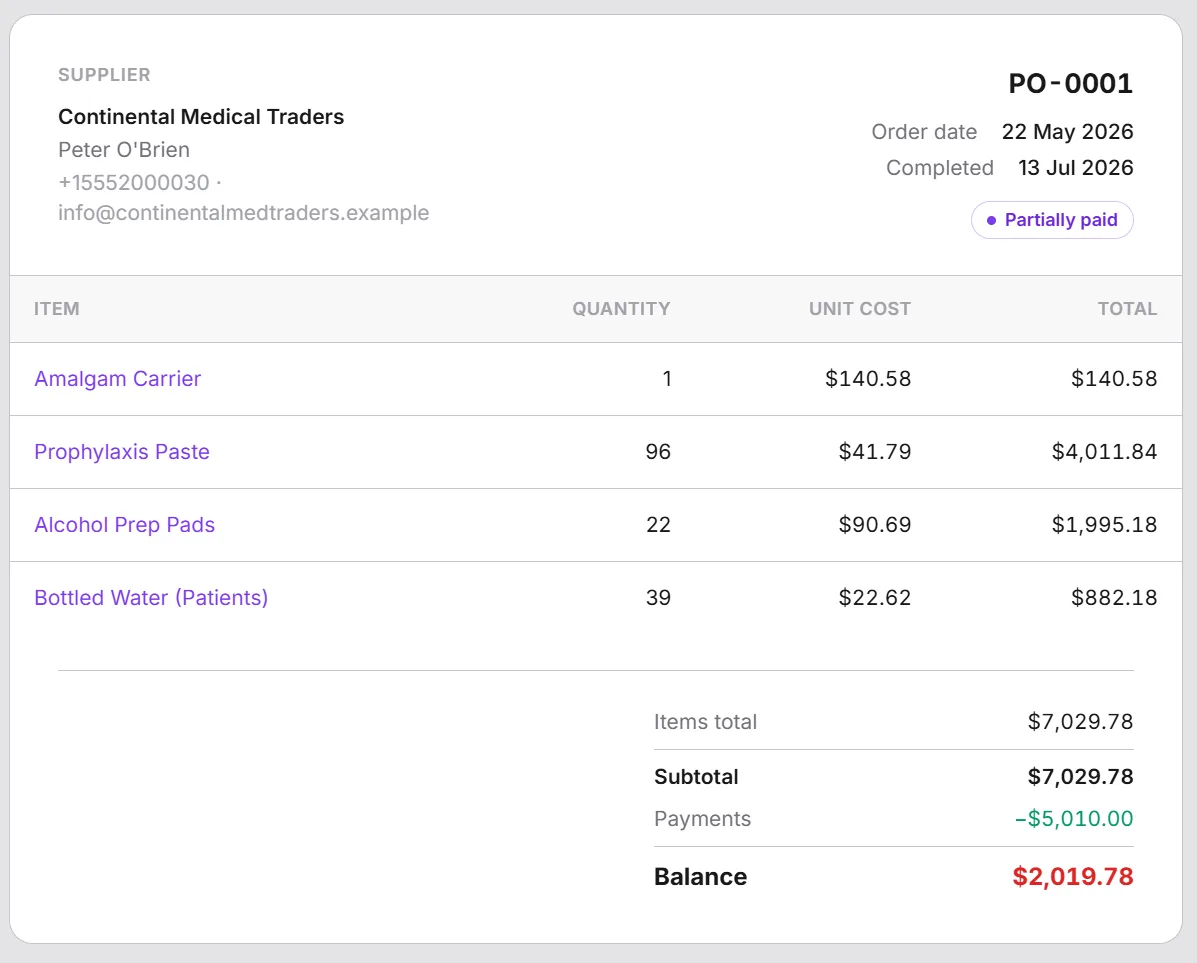
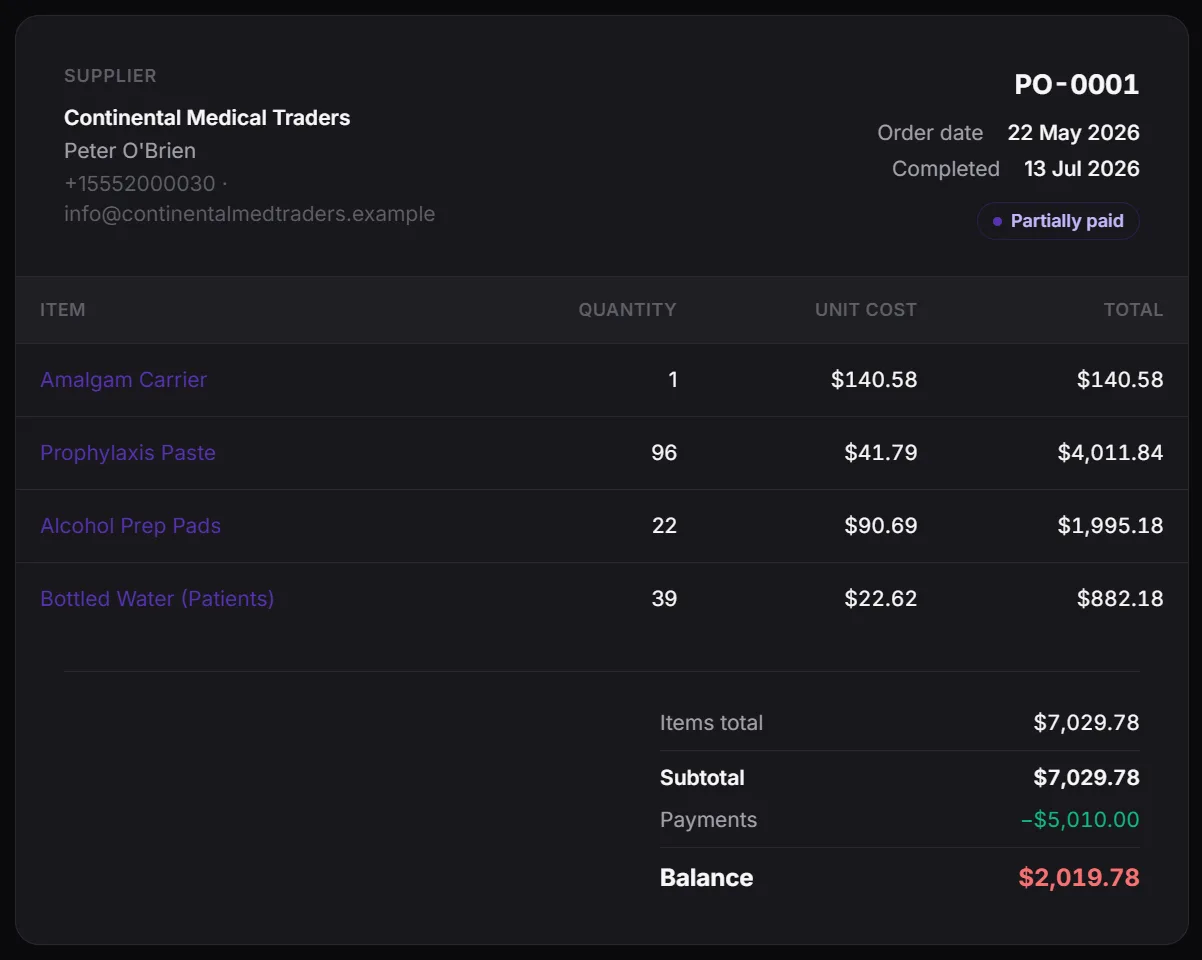
Track suppliers and purchase orders the way a real back office does, and manage consumables - gloves, anesthesia, materials - alongside serialized assets like equipment, on one movement ledger. Every purchase order reconciles against stock on hand, so nobody's guessing what's actually in the cabinet. Overhead expenses - rent, utilities, payroll - reconcile the same way, on the same ledger.
- Supplier and purchase order management
- One catalog for consumables and serialized equipment
- Stock movements reconciled against every purchase order
- Overhead expenses tracked on the same ledger
Print, Built In - A4 and Thermal
Prescriptions, invoices, treatment plans, purchase orders, lab reports, account and patient statements, transactions, form submissions, reports and - for dental practices - the full tooth chart all print on demand, in either A4 or thermal receipt format, in any of your clinic's languages, with your own footer configured once. Lab requisitions and barcode specimen labels print too. No separate PDF tool, no reformatting a screenshot for the printer.
- A4 and thermal receipt printing across nearly every document
- Lab requisitions, reports and barcode specimen labels
- Print in any of your clinic's languages, with your own footers
- No third-party PDF tool required
Six Languages, Right-to-Left Built In
Every screen, message, email and printout follows the language each person chooses, with full right-to-left layouts for Dari, Pashto and Arabic. Your clinic's own content - treatment names, medications, forms, inventory, even the clinic name - can be written in each of your languages, and search finds a record by its name in any of them.
- Each staff member works in their own language
- Full right-to-left layouts for Dari, Pashto and Arabic
- Treatments, medications, forms and more, written once per language
- Patients get the portal, emails and messages in their own language
Two-Factor Authentication & Session Control
Staff can enable TOTP two-factor authentication from their account settings, backed by a session manager that lists every active device with its last activity, so signing out a lost laptop or a stale login takes one click.
- TOTP two-factor authentication, enabled per staff account
- Every active session listed with device and last-activity detail
- Sign out any device remotely, in one click
- Guarded sign-in and login-activity logging platform-wide
Make It Yours
Upload separate light and dark logos, set a custom favicon and browser tab title, and apply your brand color across the console's UI. Staff and patients see your practice's identity, not a generic template.
- Separate light and dark mode logo uploads
- Custom favicon and browser tab title
- Brand color applied across the console UI
- One appearance, consistent for every staff member and patient